Ask us anything
How to reset a Miele 5170 dishwasher?
To reset a Miele 5170 dishwasher, you can follow these steps: 1. Cancel Current Cycle: If the dishwasher is running a cycle, press the "Cancel" or "Stop" button on the control panel to interrupt the cycle. Wait a moment for the dishwasher to fully cancel the cycle and drain any water if necessary. 2. Power Off the Dishwasher: Press the "Power" button to turn off the dishwasher. Make sure the dishwasher is completely powered off. 3. Unplug the Dishwasher: Locate the power cord of the dishwasher and unplug it from the electrical outlet. This step is important to ensure a complete reset. 4. Wait for a Few Minutes: Leave the dishwasher unplugged for about 5 to 10 minutes. This allows any residual electrical charge to dissipate and the dishwasher's memory to clear. 5. Plug It Back In: After the waiting period, plug the power cord of the dishwasher back into the electrical outlet. 6. Power On the Dishwasher: Once the dishwasher is plugged in, press the "Power" button to turn it on. This initiates the reboot process. 7. Check Control Panel: The control panel might display error codes or indicators after the reset. Consult the user manual for your specific dishwasher model to understand the meanings of any displayed codes or lights. 8. Set Up a New Cycle: If the control panel displays an error code related to the previous cycle, clear it by pressing the "Cancel" button. Then select a new wash program and any desired options. 9. Factory Reset (if applicable): Some Miele dishwasher models offer a factory reset option. Refer to the user manual to see if this feature is available for your Miele 5170 model, and follow the provided instructions. 10. Contact Miele Support: If the dishwasher doesn't respond to the reset steps or if you encounter persistent issues, consider contacting Miele's customer support for further assistance. They can provide you with model-specific troubleshooting advice. Always refer to the user manual for your specific Miele 5170 dishwasher for the most accurate and up-to-date reset instructions. Additionally, ensure that the dishwasher is unplugged from the power source before attempting any reset procedures for safety reasons.
Need help with your dishwasher? Book dishwasher repair with Home Alliance's appliance technicians.

Similar Questions
- What should be the ideal temperature settings for the Café Series gas range model CGS750P2MS1 for baking?
- Should i buy thermador appliances
- How long does a thermador cooktop last
- How to fix the temperature dial on a thermador oven
- I had somebody come to our house to fix some lights, and we now discovered that the outlets in my daughter's bedroom are all out now. They were working just fine before, so something's happened. I know he was into a junction box and moving some wires around, and I'm not sure how it happened, but now the outlets in one of our bedrooms are out.
- Should I have a professional technician inspect and clean the burners on my Takagi TK-510CX3 device?
- How do I clean and maintain the evaporator coil in my Trane XV18i heat pump for optimal efficiency?
- Miele Auto Roast function, how long does it sear?
- How to maintain A. O. Smith promax plus?
- Do you have to drain a water heater when you replace a thermostat on a Whirlpool gas water heater?
Similar Blog
July 01
2722
Home appliances
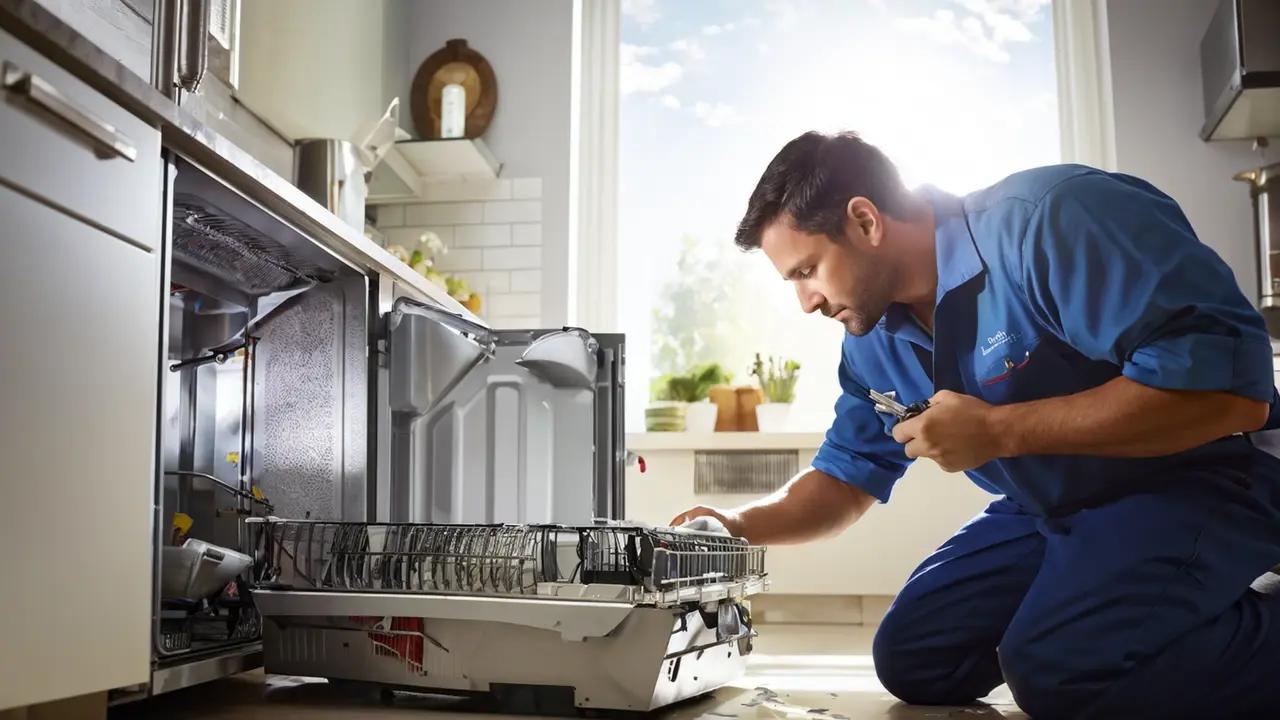
Viking Dishwasher Popular Issues Troubleshooting by HomeAlliance
Starting your day only to find that your Viking dishwasher won't start can be a frustrating puzzle to solve. Before you resign yourself to a day of hand-washing...
June 30
10230
Home appliances
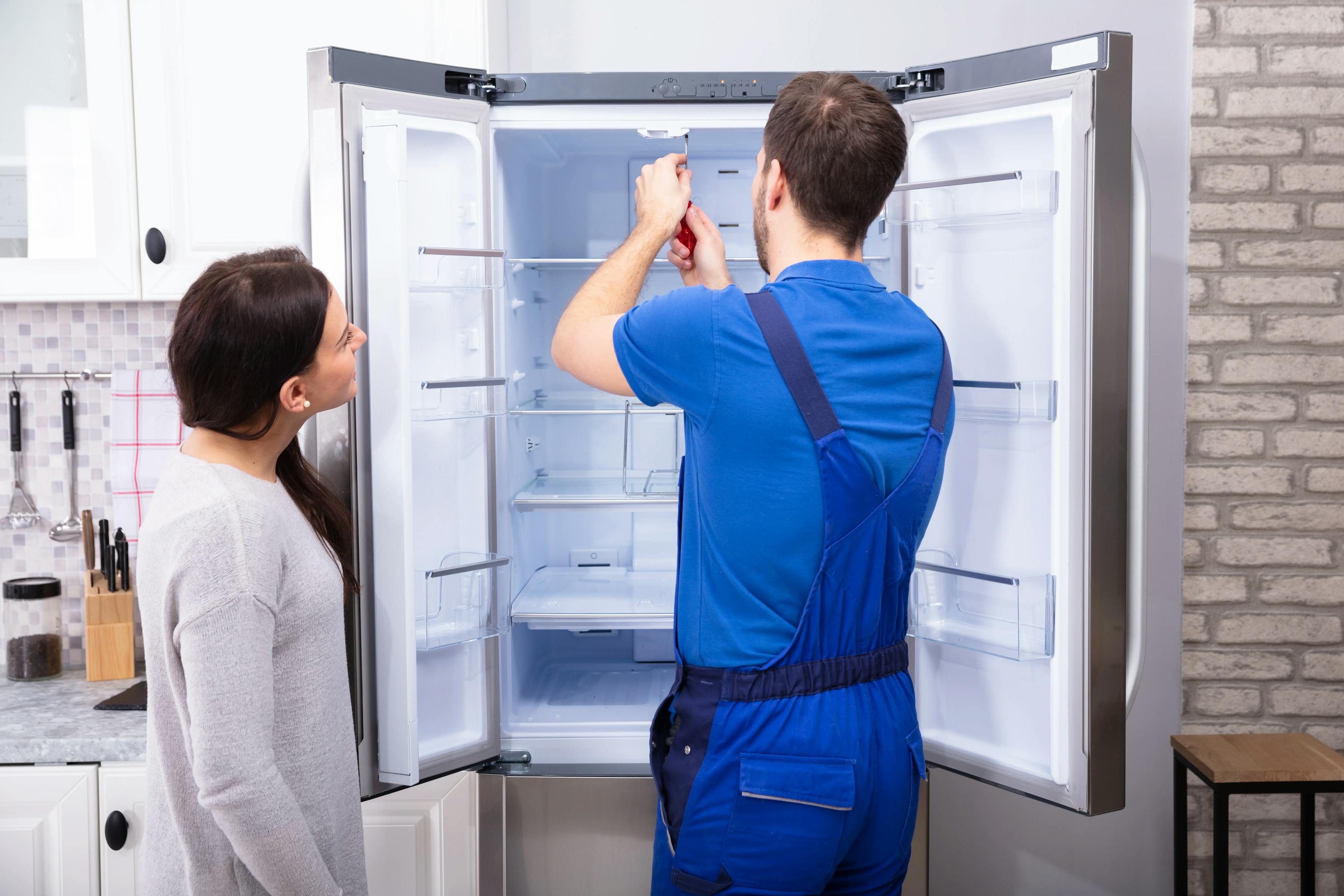
Why Is My Refrigerator Making Clicking Noise? 15 Reasons
Is your refrigerator making a clicking noise? We've all experienced those mysterious sounds emanating from our appliances, leaving us perplexed and wondering wh...
September 02
709
Heating and Cooling
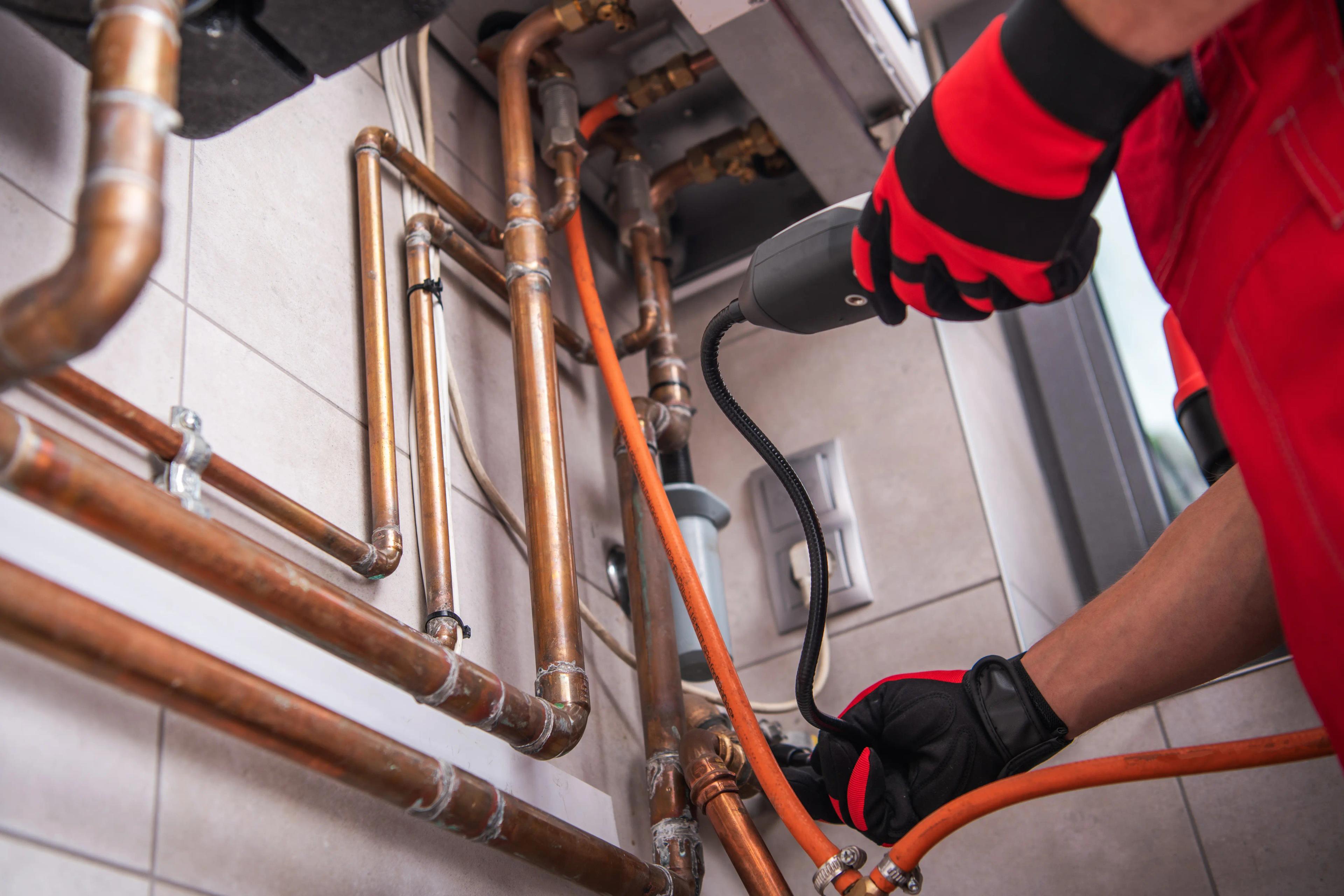
Energy-Saving Tips for Your HVAC System This Fall
As the vibrant colors of autumn start to blanket the landscape, it's a clear reminder that cooler temperatures are just around the corner. The fall season is a ...
Couldn't find the right question?
You can send your question to our support team. We'll get back to you as soon as possible