Ask us anything
How to reset Miele W1 washing machine?
Resetting a Miele W1 washing machine can help resolve minor issues or errors that might occur during operation. The process to reset the machine can vary slightly depending on the specific model, but generally, you can follow these steps: 1. Pause the Cycle: If the washing machine is currently running, press the "Pause" button to temporarily stop the cycle. If the machine is unresponsive, you may need to press and hold the "Pause" button until the machine powers down. 2. Turn Off the Machine: Once the cycle is paused or the machine is powered down, press the power button to turn off the washing machine. 3. Unplug the Machine: For a more thorough reset, unplug the washing machine from the power outlet. Leave it unplugged for a few minutes to ensure any residual power is discharged. 4. Plug It Back In: After waiting for a few minutes, plug the washing machine back into the power outlet. 5. Power On the Machine: Turn on the washing machine by pressing the power button. 6. Select a Program: Choose a basic program or a program that you frequently use, such as a regular cotton cycle. This step will initiate the reset process. 7. Start the Cycle: Press the "Start" button to begin the selected program. The machine should start the cycle as usual. 8. Monitor the Operation: Observe the washing machine as it goes through the cycle. Check for any error messages or unusual behavior. If the machine appears to be functioning normally, the reset process was successful. 9. Refer to the Manual: If you continue to experience issues or if the machine does not respond to the reset, consult the user manual for your specific Miele W1 washing machine model. The manual should provide detailed instructions on resetting procedures and troubleshooting common problems. If the above steps do not resolve the issue or if you're dealing with more complex problems, such as error codes or malfunctions, it's recommended to reach out to Miele's customer support or service department for assistance. They can provide guidance tailored to your specific situation and help you address any underlying problems. Always exercise caution when working with electrical appliances. If you're unsure about any step of the reset process, it's best to seek professional assistance to avoid potential safety risks or further damage to the machine.
Need help with your washing machine? Book washing machine repair with Home Alliance's appliance technicians.

Similar Questions
- How to replace KitchenAid KUDP01ILBL1 dishwasher door spring?
- how to replace a door latch on maytag mdbh979aws3 dishwasher
- How to fix the recurring thermostat display problems on my Trane XL824 model?
- How do you turn off a push button start car?
- Can toilet drain pipes freeze?
- What are the benefits of a humidifier?
- What should I check if I suspect issues with the HMCG2 16.5 SEER2 Modulating Side-Discharge Air Conditioner's cooling capacity?
- How to replace the control board in a Carrier VRF (Variable Refrigerant Flow) system to address communication issues and maintain zoned heating and cooling?
- Why doesn't my old water heater work as well as it used to?
- How are the heat exchangers in Carrier Commercial HVAC boilers and furnaces produced, and what is the expected lifespan of these components?
Similar Blog
January 23
8073
Air Duct Cleaning
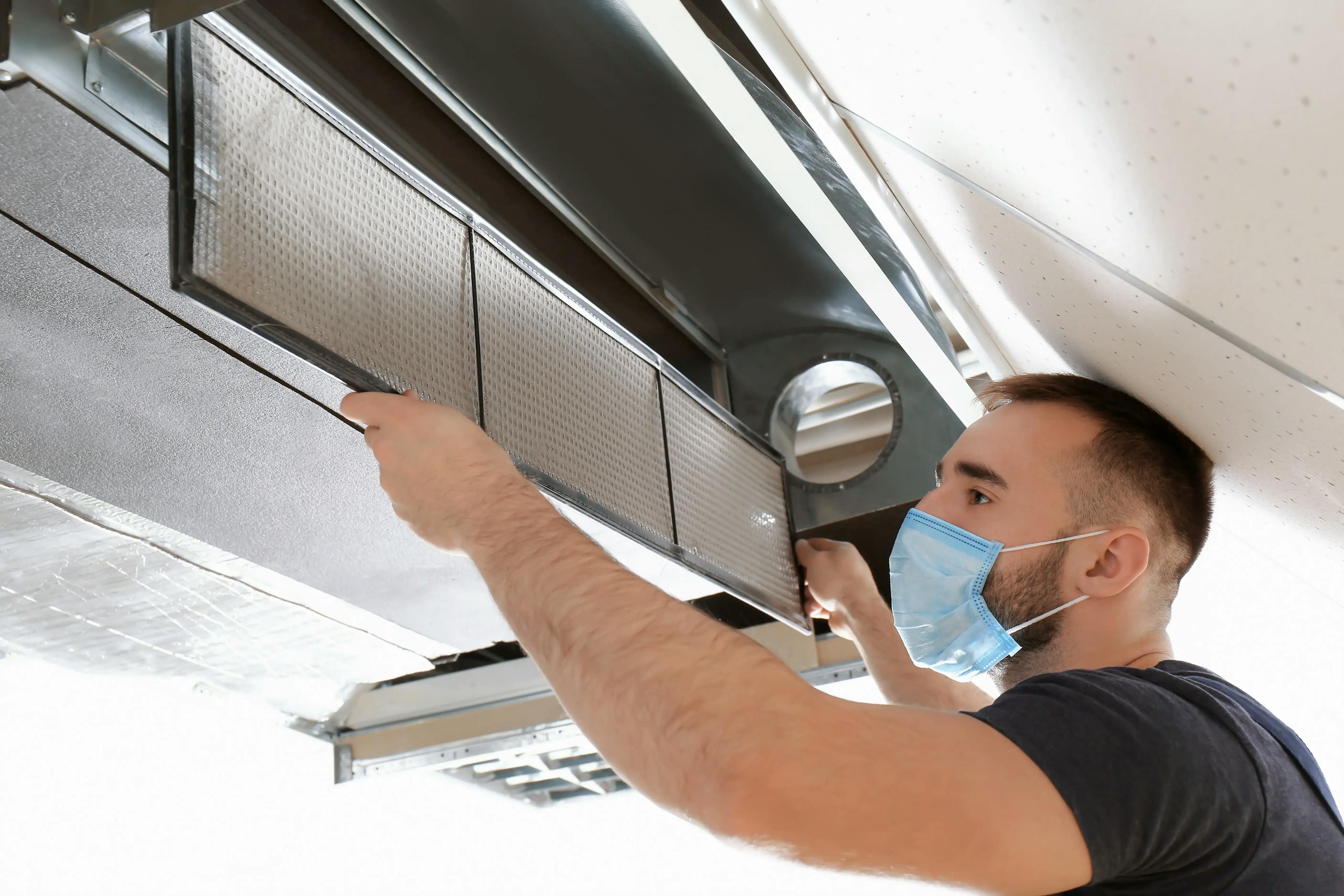
Unlock the Secrets of Effective Duct Cleaning Service: Breathe Easier Today
Tired of sneezing, coughing, and dealing with allergies at home? It's time to reveal the hidden treasures of efficient duct cleaning services, granting you the ...

April 18
4943
Electrical
How To Tell If A Breaker Is Bad?
As a homeowner, it's essential to ensure that your electrical system is functioning correctly. One of the critical components of your electrical system is the c...

June 06
9140
Home appliances
Preventative Measures to Extend the Lifespan of Your Wine Cooler
Welcome to our captivating blog post on extending the lifespan of your beloved wine cooler! As wine enthusiasts, we understand the significance of preserving an...
Couldn't find the right question?
You can send your question to our support team. We'll get back to you as soon as possible