Ask us anything
What should be included in my maintenance checklist for the Lennox XP25 Heat Pump?
A well-maintained Lennox XP25 Heat Pump can provide efficient heating and cooling for your home. Regular maintenance is essential to ensure optimal performance, energy efficiency, and the longevity of your heat pump. Here's a comprehensive maintenance checklist for your Lennox XP25 Heat Pump:
1. Safety Precautions:
Safety should always come first. Before performing any maintenance on your heat pump, make sure to:
Turn off the power to the heat pump by switching off the circuit breaker or disconnect switch.
Ensure there are no loose electrical connections or exposed wires.
Use appropriate personal protective equipment, such as gloves and safety glasses, when handling components.
2. Clean or Replace Air Filters:
The air filters in your Lennox XP25 Heat Pump help maintain indoor air quality and ensure efficient operation. Check the air filters monthly and clean or replace them as needed. Dirty filters can restrict airflow and reduce efficiency.
3. Inspect and Clean the Outdoor Unit:
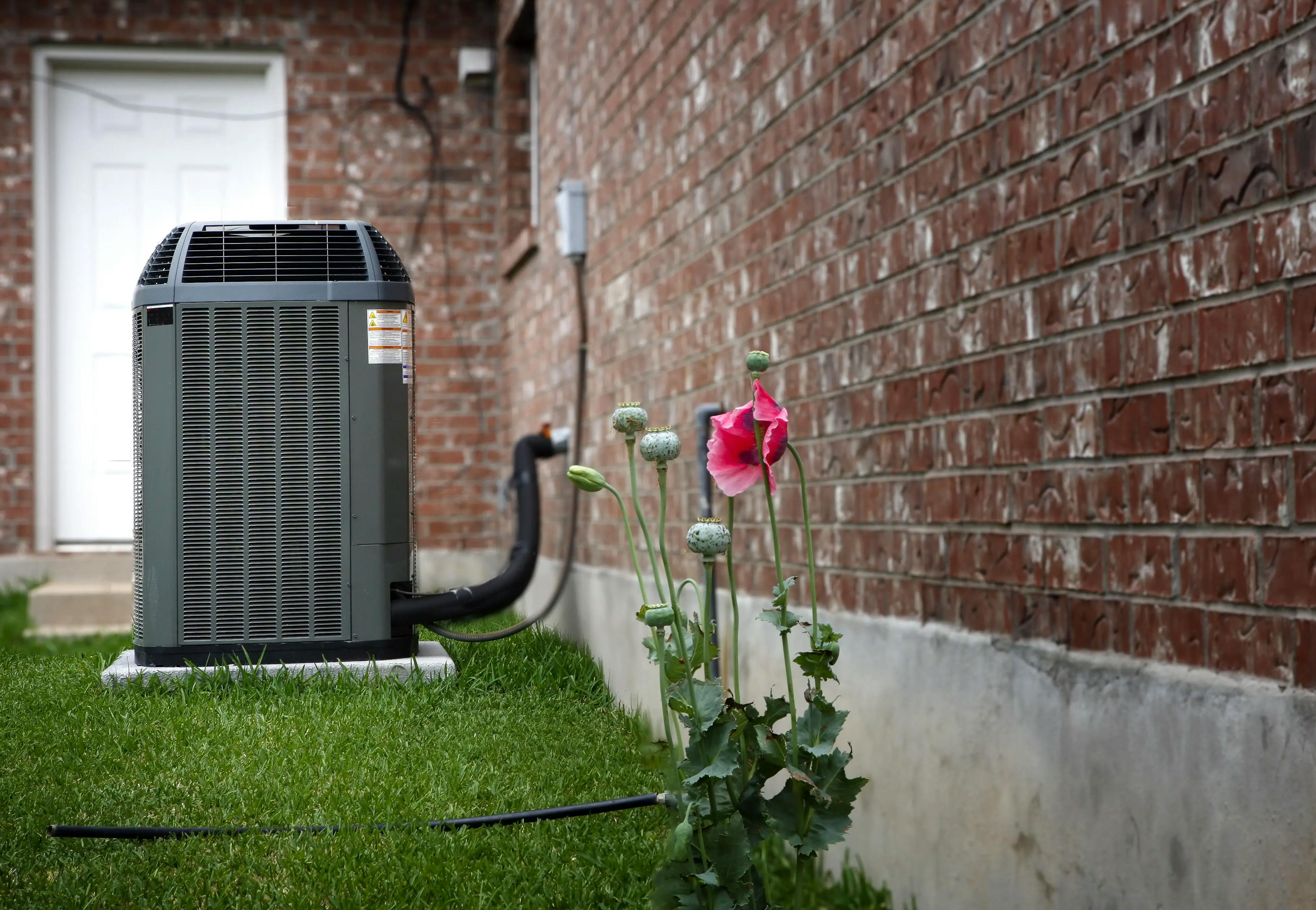
The outdoor unit (condenser) is exposed to the elements and can accumulate dirt, debris, and vegetation. Regularly inspect and clean the outdoor unit:
Remove leaves, branches, and debris from the area around the unit.
Clean the condenser coils with a soft brush or a coil cleaning solution to remove dirt and dust. Be gentle to avoid damaging the fins.
4. Check and Clean the Indoor Unit:
The indoor unit (evaporator) is typically located in your home's utility room or basement. Perform the following tasks:
* Check for any obstructions around the indoor unit that could hinder airflow.
* Inspect the evaporator coils for dirt and debris, and clean them if necessary.
* Ensure that the drain line is clear and not clogged. Clear any blockages to prevent water damage.
5. Lubricate Moving Parts:
If your Lennox XP25 Heat Pump has any lubrication points, such as the blower motor or fan, lubricate them as recommended by the manufacturer. Proper lubrication reduces friction and extends the life of these components.
6. Inspect and Clean the Fan Blades:
Check the fan blades for dirt, dust, and debris. Clean them using a soft brush or a cloth. Ensure the fan blades are in good condition and not bent or damaged.
7. Test the Thermostat:
Verify that the thermostat is functioning correctly. Check its batteries if it's a battery-operated thermostat, and replace them if necessary. Ensure that the thermostat settings are appropriate for your comfort needs and schedule.
8. Inspect Electrical Connections:
Visually inspect all electrical connections and wiring. Ensure that wires are secure and not frayed or damaged. Tighten any loose connections but do so carefully to avoid over-tightening.
9. Test the Refrigerant Lines:
Examine the refrigerant lines for any signs of leaks or damage. If you suspect a refrigerant leak, contact a professional technician, as refrigerant handling requires specialized equipment and expertise.
10. Check for Unusual Noises or Odors:
During operation, listen for unusual noises such as grinding, rattling, or squealing. These may indicate a problem with the motor or other components. Also, be alert for any unusual odors, which could indicate electrical issues or overheating.
11. Monitor Performance:
Keep an eye on the heat pump's heating and cooling performance. If you notice any inconsistencies in temperature or airflow, it may be a sign of an issue that requires professional attention.
12. Schedule Professional Maintenance:
While you can perform many maintenance tasks on your own, it's advisable to schedule annual professional maintenance for your Lennox XP25 Heat Pump. A qualified HVAC technician can conduct a thorough inspection, perform diagnostics, and address any issues you may have missed.
13. Plan for Seasonal Transitions:
Before the heating or cooling season begins, ensure your heat pump is prepared for the workload. This includes testing both heating and cooling modes to confirm they're functioning correctly.
By following this comprehensive maintenance checklist for your Lennox XP25 Heat Pump, you can help ensure that it operates efficiently, reliably, and safely. Regular maintenance not only enhances the performance of your heat pump but also extends its lifespan, saving you money on energy bills and preventing costly repairs in the long run.
1. Safety Precautions:
Safety should always come first. Before performing any maintenance on your heat pump, make sure to:
Turn off the power to the heat pump by switching off the circuit breaker or disconnect switch.
Ensure there are no loose electrical connections or exposed wires.
Use appropriate personal protective equipment, such as gloves and safety glasses, when handling components.
2. Clean or Replace Air Filters:
The air filters in your Lennox XP25 Heat Pump help maintain indoor air quality and ensure efficient operation. Check the air filters monthly and clean or replace them as needed. Dirty filters can restrict airflow and reduce efficiency.
3. Inspect and Clean the Outdoor Unit:
The outdoor unit (condenser) is exposed to the elements and can accumulate dirt, debris, and vegetation. Regularly inspect and clean the outdoor unit:
Remove leaves, branches, and debris from the area around the unit.
Clean the condenser coils with a soft brush or a coil cleaning solution to remove dirt and dust. Be gentle to avoid damaging the fins.
4. Check and Clean the Indoor Unit:
The indoor unit (evaporator) is typically located in your home's utility room or basement. Perform the following tasks:
* Check for any obstructions around the indoor unit that could hinder airflow.
* Inspect the evaporator coils for dirt and debris, and clean them if necessary.
* Ensure that the drain line is clear and not clogged. Clear any blockages to prevent water damage.
5. Lubricate Moving Parts:
If your Lennox XP25 Heat Pump has any lubrication points, such as the blower motor or fan, lubricate them as recommended by the manufacturer. Proper lubrication reduces friction and extends the life of these components.
6. Inspect and Clean the Fan Blades:
Check the fan blades for dirt, dust, and debris. Clean them using a soft brush or a cloth. Ensure the fan blades are in good condition and not bent or damaged.
7. Test the Thermostat:
Verify that the thermostat is functioning correctly. Check its batteries if it's a battery-operated thermostat, and replace them if necessary. Ensure that the thermostat settings are appropriate for your comfort needs and schedule.
8. Inspect Electrical Connections:
Visually inspect all electrical connections and wiring. Ensure that wires are secure and not frayed or damaged. Tighten any loose connections but do so carefully to avoid over-tightening.
9. Test the Refrigerant Lines:
Examine the refrigerant lines for any signs of leaks or damage. If you suspect a refrigerant leak, contact a professional technician, as refrigerant handling requires specialized equipment and expertise.
10. Check for Unusual Noises or Odors:
During operation, listen for unusual noises such as grinding, rattling, or squealing. These may indicate a problem with the motor or other components. Also, be alert for any unusual odors, which could indicate electrical issues or overheating.
11. Monitor Performance:
Keep an eye on the heat pump's heating and cooling performance. If you notice any inconsistencies in temperature or airflow, it may be a sign of an issue that requires professional attention.
12. Schedule Professional Maintenance:
While you can perform many maintenance tasks on your own, it's advisable to schedule annual professional maintenance for your Lennox XP25 Heat Pump. A qualified HVAC technician can conduct a thorough inspection, perform diagnostics, and address any issues you may have missed.
13. Plan for Seasonal Transitions:
Before the heating or cooling season begins, ensure your heat pump is prepared for the workload. This includes testing both heating and cooling modes to confirm they're functioning correctly.
By following this comprehensive maintenance checklist for your Lennox XP25 Heat Pump, you can help ensure that it operates efficiently, reliably, and safely. Regular maintenance not only enhances the performance of your heat pump but also extends its lifespan, saving you money on energy bills and preventing costly repairs in the long run.
Need help with your air conditioner? Book AC and HVAC service in Los Angeles.

Similar Questions
- How to replace the refrigerator's evaporator fan motor in the GE Series French door refrigerator model GFE26JEMDS?
- Where is the high-temperature sensor located on Whirlpool natural gas water heater model #40T61-343?
- Where should I locate the Rheem RA1460AJ1NA air conditioner to maximize its cooling effect?
- How many compressors does an Amana refrigerator have?
- Should I be concerned about the frequency of refrigerant refills for my Trane XV20i variable-speed air conditioner, and what could be the underlying issue?
- When and how to replace the HEPA filter in Miele C3?
- I'm looking for someone to come to my condo to look at my fridge in the next half hour. I'm just calling to confirm that half an hour is good. I want to make sure I pay for everything with my credit card, so how can I do that? Can I do it over the phone? Because I'm not going to be there at the place, someone else will.
- does the maytag bravos mvwb835dw have a bleach dispenser
- How much should I budget for the Rheem EcoNet Enabled Prestige Series Variable Speed Air Conditioner (RA20)?
- Kenmore 79012404, how to reset?
Similar Blog

November 05
790
Plumbing
Simple Maintenance Tips to Keep Your Whole House Water Filtration Running Smoothly
To ensure optimal performance, learn how to maintain a whole house water filtration system by replacing filters regularly, cleaning components, checking for lea...

March 12
1917
Home appliances
How to Deep Clean Your Kitchen Appliances This Spring
Spring is perfect for giving your kitchen a fresh start, and that means tackling those hardworking appliances. Over time, grease, food spills, and dust can buil...
June 28
11374
Heating and Cooling
The Ultimate Guide to Air Conditioner Maintenance: Tips and Tricks
With scorching summer days just around the corner, it's crucial to ensure your air conditioner is up for the challenge of keeping you cool. In this blog, we'...
Couldn't find the right question?
You can send your question to our support team. We'll get back to you as soon as possible