Ask us anything
How do I troubleshoot unusual sounds coming from my Bryant furnace?
Unusual sounds coming from your Bryant furnace can indicate potential issues that need attention. Here's a step-by-step guide to troubleshoot and identify the source of these sounds:
1. Listening Carefully:
Pay attention to the type of sound your furnace is making. Is it a banging, screeching, clicking, rattling, or another type of noise? The sound's nature can provide clues about the underlying problem.
2. Turn Off the Furnace:
Before attempting any troubleshooting, turn off the furnace and wait for it to cool down. Ensure the thermostat is set to the "off" position.
3. Check for Loose Panels or Components:
Inspect the furnace cabinet for loose panels, screws, or components. A rattling or vibrating noise could be due to loose parts. Tighten any loose hardware.
4. Inspect the Air Filter:
A clogged or dirty air filter can restrict airflow, causing unusual noises. Check and replace the air filter if it's dirty or clogged. A clean filter is essential for proper furnace operation.
5. Clear Obstructions:
Ensure there are no obstructions around the furnace, such as furniture, boxes, or debris. Proper airflow is essential for efficient and quiet operation.
6. Lubricate Moving Parts:
Some furnace components, like blower motor bearings, may require lubrication. If you hear squeaking or screeching sounds, consult your furnace's manual for lubrication points and use the recommended lubricant.
7. Inspect the Blower Motor:
The blower motor is a common source of unusual sounds. Listen for rattling or grinding noises. If you suspect an issue with the blower motor, contact a professional technician for inspection and repair.
8. Check for Gas Leaks:
If you hear a hissing sound or smell gas, immediately shut off the furnace and your home's gas supply. Open windows to ventilate the area and contact your gas utility company and a professional HVAC technician to inspect for gas leaks.
9. Examine the Ductwork:
Rattling or popping noises can sometimes originate from the ductwork due to expansion and contraction. Inspect visible duct sections for loose connections or damage. Tighten any accessible connections.
10. Inspect the Ignition System:
If you hear clicking or repeated ignition attempts without the furnace starting, there may be an issue with the ignition system. Consult your furnace manual for guidance on troubleshooting or call a technician.
11. Monitor for Short Cycling:
If your furnace frequently turns on and off, it may be short cycling. Short cycling can be caused by various issues, including overheating or a malfunctioning thermostat. Consult a technician for diagnosis and repair.
12. Seek Professional Help:
If you can't identify the source of the unusual sound or if you suspect a complex issue, it's best to contact a certified Bryant HVAC technician. They have the expertise and equipment to diagnose and repair furnace problems safely.
Remember that safety is a top priority when dealing with furnace issues. If you smell gas, notice a strong burning odor, or suspect a serious problem, do not attempt to diagnose or fix it yourself. Shut off the furnace, evacuate your home, and call for professional assistance immediately. Routine maintenance and timely repairs can help keep your Bryant furnace running quietly and efficiently.
1. Listening Carefully:
Pay attention to the type of sound your furnace is making. Is it a banging, screeching, clicking, rattling, or another type of noise? The sound's nature can provide clues about the underlying problem.
2. Turn Off the Furnace:
Before attempting any troubleshooting, turn off the furnace and wait for it to cool down. Ensure the thermostat is set to the "off" position.
3. Check for Loose Panels or Components:
Inspect the furnace cabinet for loose panels, screws, or components. A rattling or vibrating noise could be due to loose parts. Tighten any loose hardware.
4. Inspect the Air Filter:
A clogged or dirty air filter can restrict airflow, causing unusual noises. Check and replace the air filter if it's dirty or clogged. A clean filter is essential for proper furnace operation.
5. Clear Obstructions:
Ensure there are no obstructions around the furnace, such as furniture, boxes, or debris. Proper airflow is essential for efficient and quiet operation.
6. Lubricate Moving Parts:
Some furnace components, like blower motor bearings, may require lubrication. If you hear squeaking or screeching sounds, consult your furnace's manual for lubrication points and use the recommended lubricant.
7. Inspect the Blower Motor:
The blower motor is a common source of unusual sounds. Listen for rattling or grinding noises. If you suspect an issue with the blower motor, contact a professional technician for inspection and repair.
8. Check for Gas Leaks:
If you hear a hissing sound or smell gas, immediately shut off the furnace and your home's gas supply. Open windows to ventilate the area and contact your gas utility company and a professional HVAC technician to inspect for gas leaks.
9. Examine the Ductwork:
Rattling or popping noises can sometimes originate from the ductwork due to expansion and contraction. Inspect visible duct sections for loose connections or damage. Tighten any accessible connections.
10. Inspect the Ignition System:
If you hear clicking or repeated ignition attempts without the furnace starting, there may be an issue with the ignition system. Consult your furnace manual for guidance on troubleshooting or call a technician.
11. Monitor for Short Cycling:
If your furnace frequently turns on and off, it may be short cycling. Short cycling can be caused by various issues, including overheating or a malfunctioning thermostat. Consult a technician for diagnosis and repair.
12. Seek Professional Help:
If you can't identify the source of the unusual sound or if you suspect a complex issue, it's best to contact a certified Bryant HVAC technician. They have the expertise and equipment to diagnose and repair furnace problems safely.
Remember that safety is a top priority when dealing with furnace issues. If you smell gas, notice a strong burning odor, or suspect a serious problem, do not attempt to diagnose or fix it yourself. Shut off the furnace, evacuate your home, and call for professional assistance immediately. Routine maintenance and timely repairs can help keep your Bryant furnace running quietly and efficiently.

Similar Questions
- Is it worth replacing my older Bryant Legacy series heat pump with a newer model?
- How much does it cost to replace the blower motor in my Goodman AVPTC variable-speed air handler?
- Where is your location? I'm trying to find someone to come in. One of my resident's garbage disposal is clogged and not working. And now, water is overflowing from the pipes underneath. Can you guys come over as soon as possible?
- We're having an issue with our Thermador oven microwave. The microwave hasn't worked for years. We're trying to see if someone can take a look at it and how much it would cost.
- What is more 500ml or 1 Litre?
- Is it worth upgrading to a Bryant Preferred series air conditioner for better energy efficiency?
- Why does my Amana dishwasher have standing water?
- I want to know how much it costs for you guys to come out and check my Whirlpool refrigerator. It makes a lot of rattling noise, and sometimes when I buy some vegetables, it freezes. It doesn't seem to be keeping the vegetables fresh enough.
- How to fix a Kenmore side-by-side ice maker from 2001?
- How long will a water heater last?
Similar Blog
November 18
1968
Air Duct Cleaning
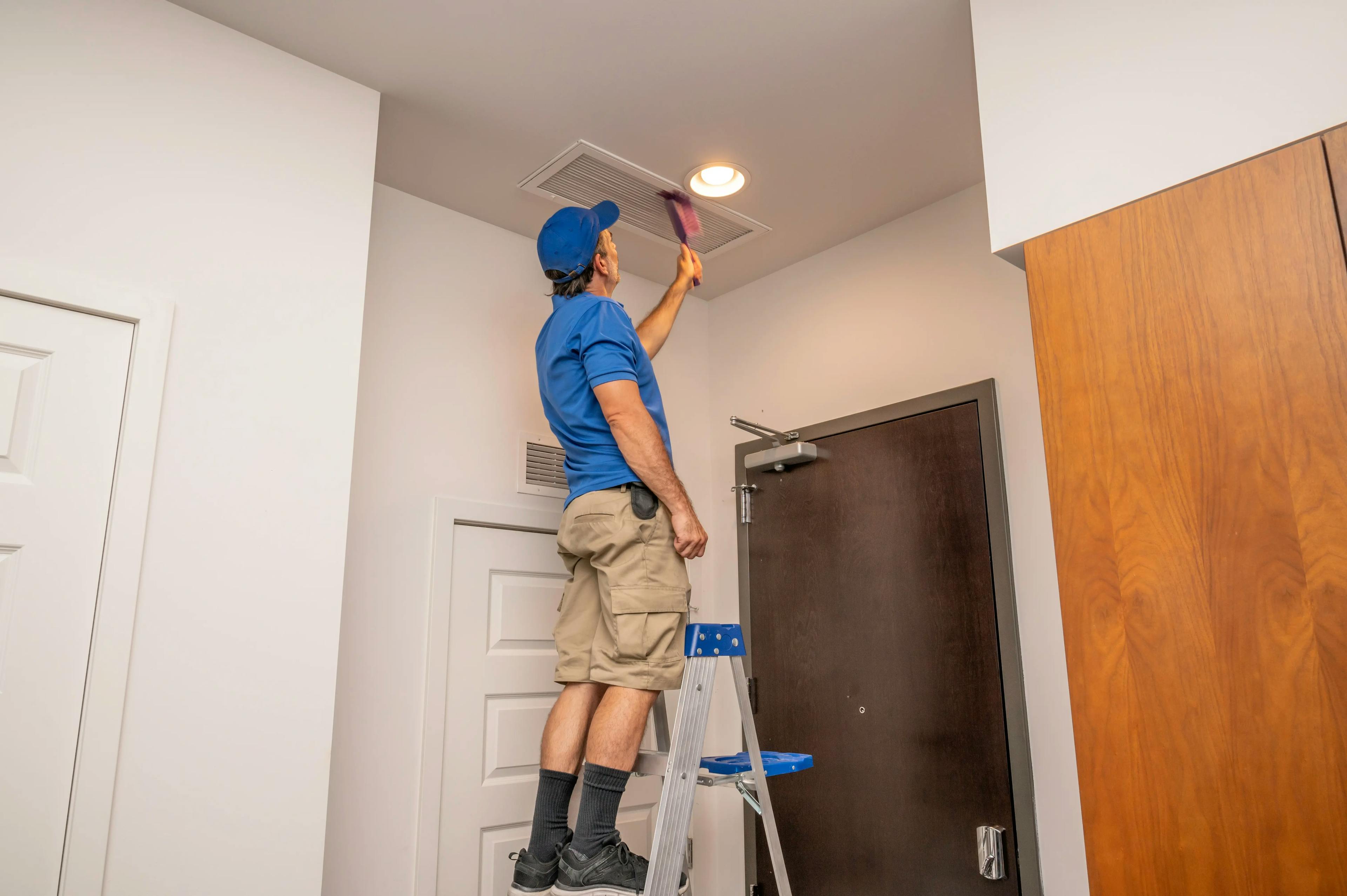
HVAC Air Ductwork: 5 Tips To Remember When Remodeling Your Home
A renovation project presents an opportunity to improve your living space and a problem with your HVAC systems. If you plan a makeover or renovation, you might ...
December 14
9087
Heating and Cooling
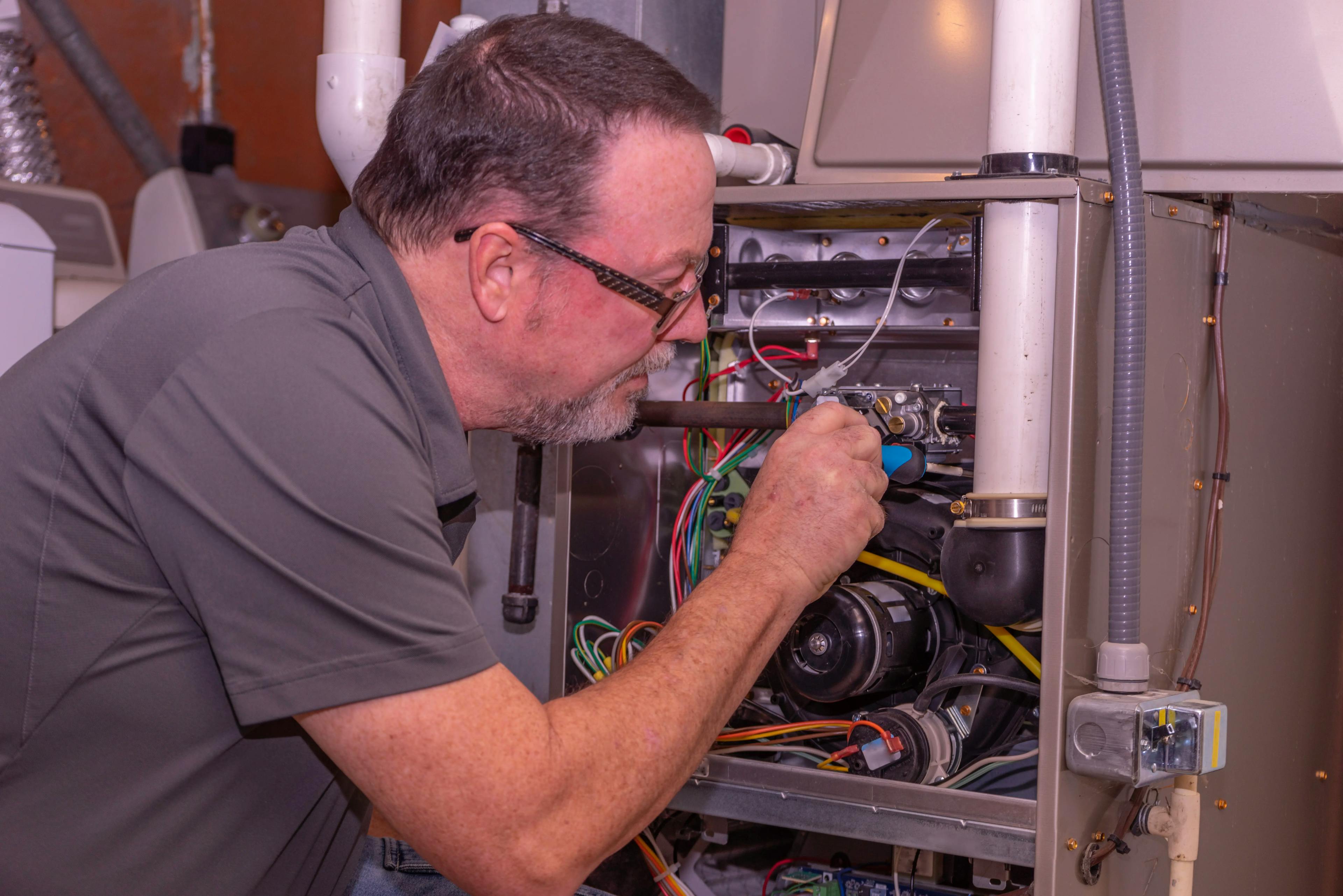
Why Regular Furnace Tune-Ups Are Essential for Your Home's Comfort and Safety
In the heart of winter, with snowflakes gently falling and temperatures plummeting, there's nothing quite like the warmth and comfort of a well-functioning furn...

September 23
866
Home appliances
Maintenance Tips for Outdated Laundry Appliances That Still Work
For outdated laundry appliances, maintenance, regularly cleaning filters, checking hoses for leaks, lubricating moving parts, avoiding overloading, and running ...
Couldn't find the right question?
You can send your question to our support team. We'll get back to you as soon as possible