Ask us anything
How often to run self-clean on Kenmore HE2 Plus washer?
The frequency of running the self-clean cycle on a Kenmore HE2 Plus washer can vary based on your usage patterns, water hardness, and the specific recommendations provided by the manufacturer. Generally, it's a good idea to run the self-clean cycle approximately once every 30 to 60 wash cycles, or about once a month, to prevent the buildup of mold, mildew, and detergent residues. The self-clean cycle is designed to help maintain the cleanliness and efficiency of your washer by cleaning the drum and other internal components. Here are some factors to consider when determining how often to run the self-clean cycle: 1. Usage Frequency: If you use your washer frequently, it's more likely to accumulate residues and develop odors. In such cases, running the self-clean cycle more frequently might be beneficial. 2. Water Hardness: If you live in an area with hard water, mineral deposits can accumulate in the washer. Running the self-clean cycle regularly can help prevent these deposits from affecting washer performance. 3. Load Types: Certain types of loads, such as those with heavy dirt or pet hair, might contribute to faster buildup in the washer. Running the self-clean cycle after such loads can help maintain cleanliness. 4. Environmental Factors: High humidity environments can promote mold and mildew growth in the washer. Running the self-clean cycle periodically can help prevent these issues. 5. Odor or Residue: If you notice unpleasant odors or residues on your clothes after washing, it might be an indicator that the washer needs cleaning. Running the self-clean cycle in such situations can help address the issue. To run the self-clean cycle on a Kenmore HE2 Plus washer, follow these general steps (consult your owner's manual for model-specific instructions): 1. Empty the Washer: Remove all clothes and items from the washer drum. 2. Add Cleaning Solution: Some washers require the addition of a specific cleaning solution or tablet to the detergent dispenser. 3. Select Self-Clean Cycle: Choose the self-clean cycle option on the washer's control panel. The cycle might be labeled as "Clean Washer" or something similar. 4. Run the Cycle: Start the cycle and allow it to complete. The washer will fill with water, agitate, and drain to clean the drum and other components. 5. Wipe Down: After the cycle is complete, wipe down the interior of the washer, including the door seal and detergent dispenser. Remember that regular maintenance, including wiping down the drum and leaving the door open after each use to allow air circulation, can also help prevent mold and odors. Adjust the frequency of running the self-clean cycle based on your specific circumstances to ensure your Kenmore HE2 Plus washer remains clean and efficient.

Similar Questions
- Is 2 ton AC enough for what room size?
- HOW OFTEN SHOULD I HAVE MY AIR CONDITIONING UNIT SERVICED?
- Is it worth investing in a Wolf induction cooktop, such as the CT36I/S model, for its energy efficiency?
- How to replace the blower motor in the York HMCG2 16.5 SEER2 Modulating Side-Discharge Air Conditioner?
- how to reset a maytag commercial technology washer
- You called me to say that you have the parts to fix my stovetop here in Highland Park.
- Is it okay to choose the Rheem R801T Classic Plus Series Ultra Low NOx 80 AFUE Gas Furnace for its eco-friendly features and performance?
- How often do you have to empty a Frigidaire 7703?
- I missed a call earlier. I believe it's regarding my appointment for tomorrow.
- how to replace belt maytag gas dryer ldg8200 aal
Similar Blog
October 24
2010
Home appliances
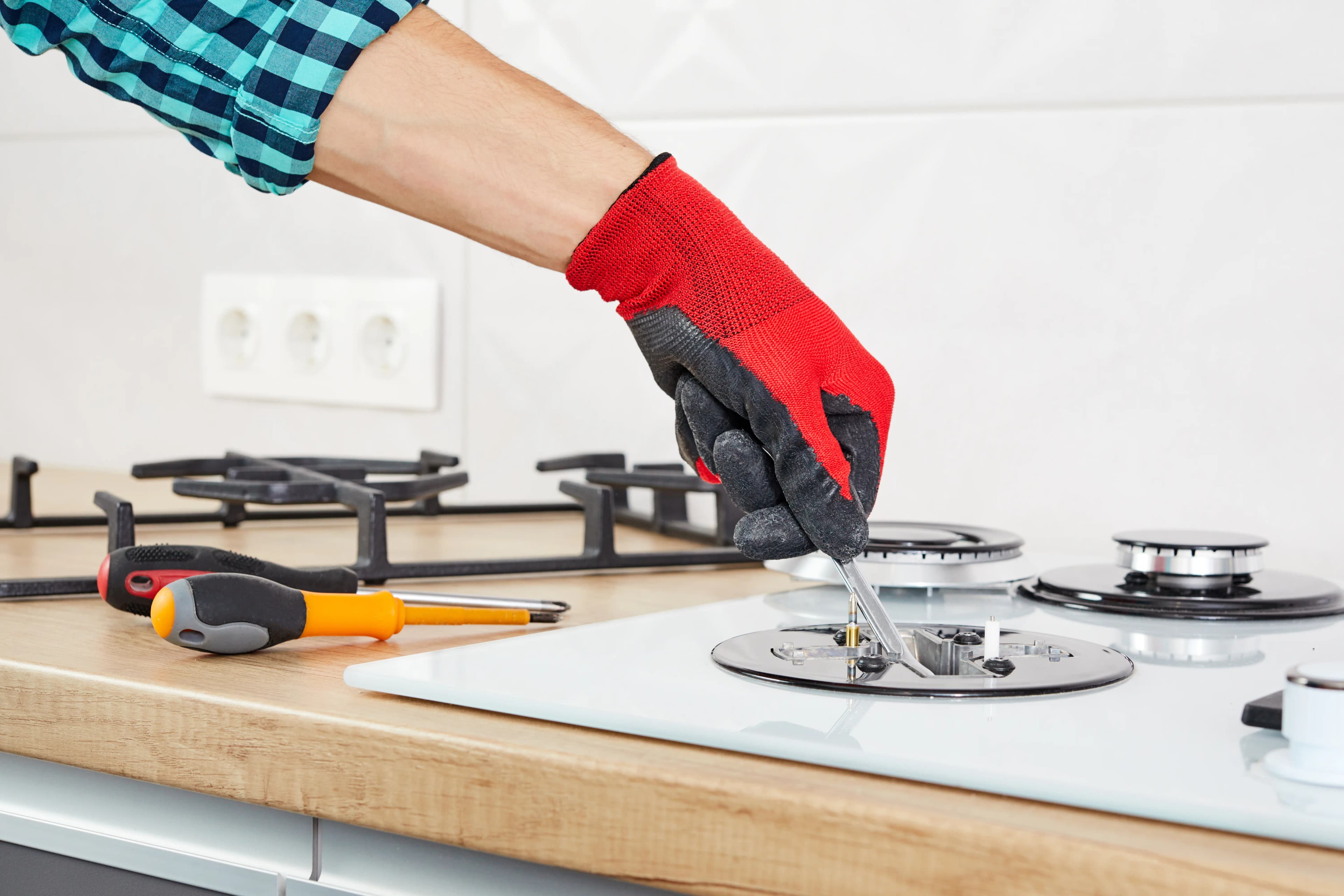
Stove Not Working? Here's What to Do Next
When your stove suddenly stops working, it can disrupt your entire day, leaving you frustrated and unsure of what to do next. Whether it’s a faulty burner, an u...
December 22
8251
Home
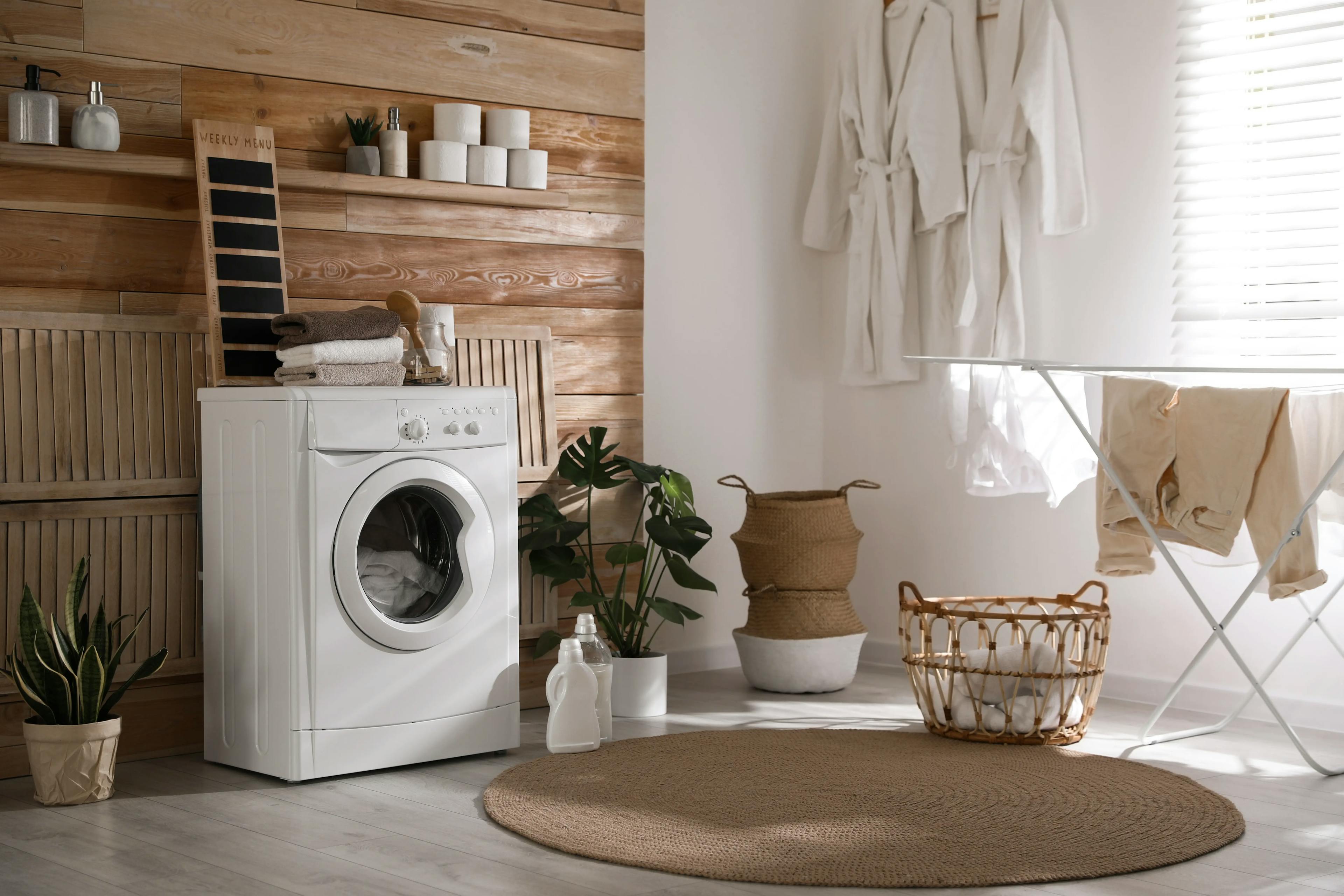
7 Tips for Falling in Love with Your Bathroom Again
Is your bathroom feeling a bit lackluster and uninspiring lately? It's time to rekindle that love affair with one of the most essential rooms in your home. In o...

April 02
1023
Plumbing
DIY Bathroom Plumbing Tips Every Homeowner Should Know
A leaky faucet, a slow drain, or a running toilet - these common plumbing issues can disrupt your daily routine. But with the right DIY Bathroom Plumbing Tips, ...
Couldn't find the right question?
You can send your question to our support team. We'll get back to you as soon as possible