Ask us anything
How to fix a sub-zero refrigerator that is displaying error codes?
Fixing a Sub-Zero refrigerator displaying error codes can be a complex task, but with some troubleshooting and basic knowledge, you may be able to resolve the issue. Sub-Zero refrigerators are known for their quality and durability, but like any appliance, they can experience problems. Here's a step-by-step guide to help you address common error codes and get your Sub-Zero refrigerator back in working order:
1. Identify the Error Code:
The first step is to identify the specific error code displayed on your Sub-Zero refrigerator's control panel. Error codes are typically alphanumeric and can provide valuable information about the problem.
2. Refer to the Owner's Manual:
Consult your Sub-Zero refrigerator's owner's manual or user guide. The manual may include a list of error codes and their meanings, as well as troubleshooting tips specific to your model.
3. Check for Basic Issues:
Before delving into more advanced troubleshooting, ensure that the refrigerator is properly plugged in, and the power source is functioning. Also, make sure the circuit breaker or fuse that powers the refrigerator hasn't tripped or blown.
4. Perform a Hard Reset:
Sometimes, electronic glitches can cause error codes. Try unplugging the refrigerator from the power source for about 10 minutes and then plug it back in. This can reset the control board and potentially clear the error code.
5. Interpret Common Error Codes:
* EC40/EC41 (Evaporator Coil Sensor Issue): These error codes typically indicate a problem with the temperature sensor on the evaporator coil. Check if there is any ice buildup on the coil, which could interfere with the sensor's function. If necessary, defrost the coil and replace the sensor if it's damaged.
* EC24/EC25 (Condenser Coil Sensor Issue): These error codes suggest an issue with the temperature sensor on the condenser coil. Clean the condenser coils to ensure proper airflow and check the sensor for damage or loose connections.
* BI40/BI41 (Ice Maker Issue): These error codes relate to problems with the ice maker. Check the water supply to the ice maker and ensure it's not clogged. If the issue persists, you may need to replace the ice maker assembly.
* SY EF (Evaporator Fan Failure): This code indicates a problem with the evaporator fan, which circulates cold air throughout the refrigerator. Inspect the fan for obstructions and listen for unusual noises. If necessary, replace the fan motor.
6. Contact Sub-Zero Customer Support:
If you can't resolve the issue on your own or if the error code is not listed in the manual, it's a good idea to contact Sub-Zero's customer support or schedule a service appointment with a certified technician. Provide them with the specific error code, model number, and a description of the problem.
7. Perform Preventative Maintenance:
To avoid future error codes and issues, consider regular maintenance of your Sub-Zero refrigerator. This includes cleaning the condenser coils, checking for leaks, and ensuring proper temperature settings. Regular maintenance can extend the lifespan of your appliance.
8. Consider Professional Help:
Sub-Zero refrigerators are complex appliances with sophisticated technology. If the error code persists or if you're uncomfortable with troubleshooting and repairs, it's best to enlist the help of a qualified Sub-Zero technician. Attempting complex repairs without the necessary expertise can lead to further damage.
In summary, fixing a Sub-Zero refrigerator displaying error codes requires a systematic approach. Start by identifying the error code, consult your owner's manual, perform basic checks and resets, and address common issues associated with the specific code. If the problem persists or if you're unsure about the diagnosis and repair, don't hesitate to contact Sub-Zero customer support or a professional technician to ensure that your refrigerator is restored to optimal functionality.
1. Identify the Error Code:
The first step is to identify the specific error code displayed on your Sub-Zero refrigerator's control panel. Error codes are typically alphanumeric and can provide valuable information about the problem.
2. Refer to the Owner's Manual:
Consult your Sub-Zero refrigerator's owner's manual or user guide. The manual may include a list of error codes and their meanings, as well as troubleshooting tips specific to your model.
3. Check for Basic Issues:
Before delving into more advanced troubleshooting, ensure that the refrigerator is properly plugged in, and the power source is functioning. Also, make sure the circuit breaker or fuse that powers the refrigerator hasn't tripped or blown.
4. Perform a Hard Reset:
Sometimes, electronic glitches can cause error codes. Try unplugging the refrigerator from the power source for about 10 minutes and then plug it back in. This can reset the control board and potentially clear the error code.
5. Interpret Common Error Codes:
* EC40/EC41 (Evaporator Coil Sensor Issue): These error codes typically indicate a problem with the temperature sensor on the evaporator coil. Check if there is any ice buildup on the coil, which could interfere with the sensor's function. If necessary, defrost the coil and replace the sensor if it's damaged.
* EC24/EC25 (Condenser Coil Sensor Issue): These error codes suggest an issue with the temperature sensor on the condenser coil. Clean the condenser coils to ensure proper airflow and check the sensor for damage or loose connections.
* BI40/BI41 (Ice Maker Issue): These error codes relate to problems with the ice maker. Check the water supply to the ice maker and ensure it's not clogged. If the issue persists, you may need to replace the ice maker assembly.
* SY EF (Evaporator Fan Failure): This code indicates a problem with the evaporator fan, which circulates cold air throughout the refrigerator. Inspect the fan for obstructions and listen for unusual noises. If necessary, replace the fan motor.
6. Contact Sub-Zero Customer Support:
If you can't resolve the issue on your own or if the error code is not listed in the manual, it's a good idea to contact Sub-Zero's customer support or schedule a service appointment with a certified technician. Provide them with the specific error code, model number, and a description of the problem.
7. Perform Preventative Maintenance:
To avoid future error codes and issues, consider regular maintenance of your Sub-Zero refrigerator. This includes cleaning the condenser coils, checking for leaks, and ensuring proper temperature settings. Regular maintenance can extend the lifespan of your appliance.
8. Consider Professional Help:
Sub-Zero refrigerators are complex appliances with sophisticated technology. If the error code persists or if you're uncomfortable with troubleshooting and repairs, it's best to enlist the help of a qualified Sub-Zero technician. Attempting complex repairs without the necessary expertise can lead to further damage.
In summary, fixing a Sub-Zero refrigerator displaying error codes requires a systematic approach. Start by identifying the error code, consult your owner's manual, perform basic checks and resets, and address common issues associated with the specific code. If the problem persists or if you're unsure about the diagnosis and repair, don't hesitate to contact Sub-Zero customer support or a professional technician to ensure that your refrigerator is restored to optimal functionality.
Need help with your Sub-Zero refrigerator? Book Sub-Zero refrigerator repair in Los Angeles.

Similar Questions
- What does an electrician fix?
- How much should I budget for the Rheem Classic Plus Series Up to 92 AFUE Constant Torque ECM Motor Multi-Position Gas Furnace (R92T)?
- I have a Wolf range that I need someone to look at. It keeps cutting off the heat, and when it gets above 400°F, if you open the door, it says error and shuts the oven off completely. We just bought this house, and it came with it.
- HOW OFTEN SHOULD AIR DUCT BE CLEANED?
- Can I integrate a Rinnai RE Model Series tankless water heater, like the RE140iP, with a solar water heating system to increase energy efficiency?
- How long will it take for my refrigerator to get full cold after it stays without power/disconnected for a while?
- How do I troubleshoot and resolve issues with the combustion system on the Noritz NR98 DVC model?
- Whirlpool oven bake button not working GW397LXUS06, what part do I buy?
- How to replace Miele 251i power switch?
- How do I clean the air filters in my Bryant Preferred series air conditioner?
Similar Blog

April 14
828
Electrical
After-Hours Lighting Repair Services When You Need Them Most
When the lights go out after sunset, you're not just left in the dark - you’re left vulnerable. Whether it’s a residential outage or a flickering exterior fixtu...
September 02
9087
Home appliances
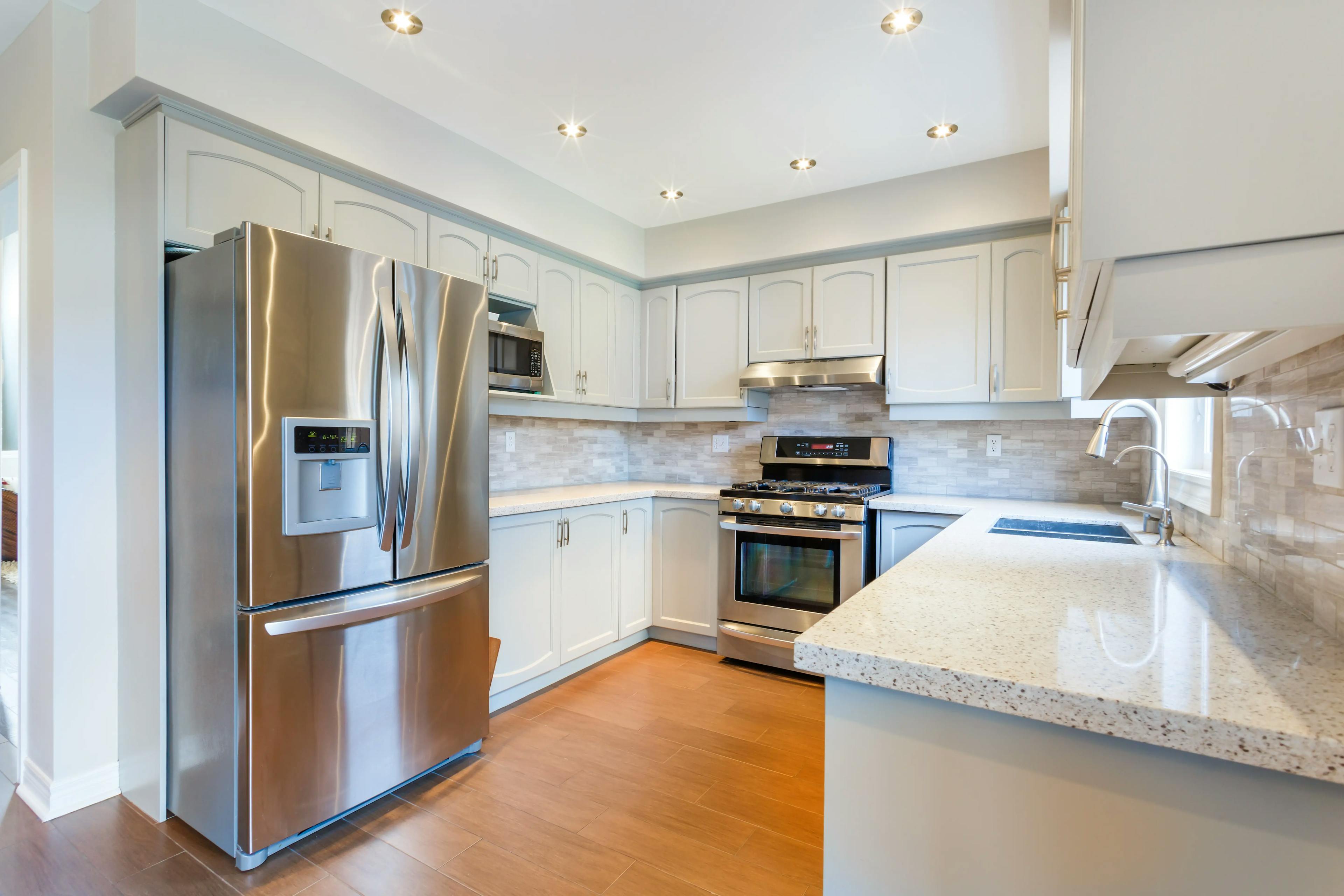
Cleaning hacks for stainless steel appliances
The attractiveness of stainless steel appliances cannot be disputed. Smudges, though, are stainless steel's main drawback. Despite your best efforts, fingerprin...
June 27
7351
Electrical
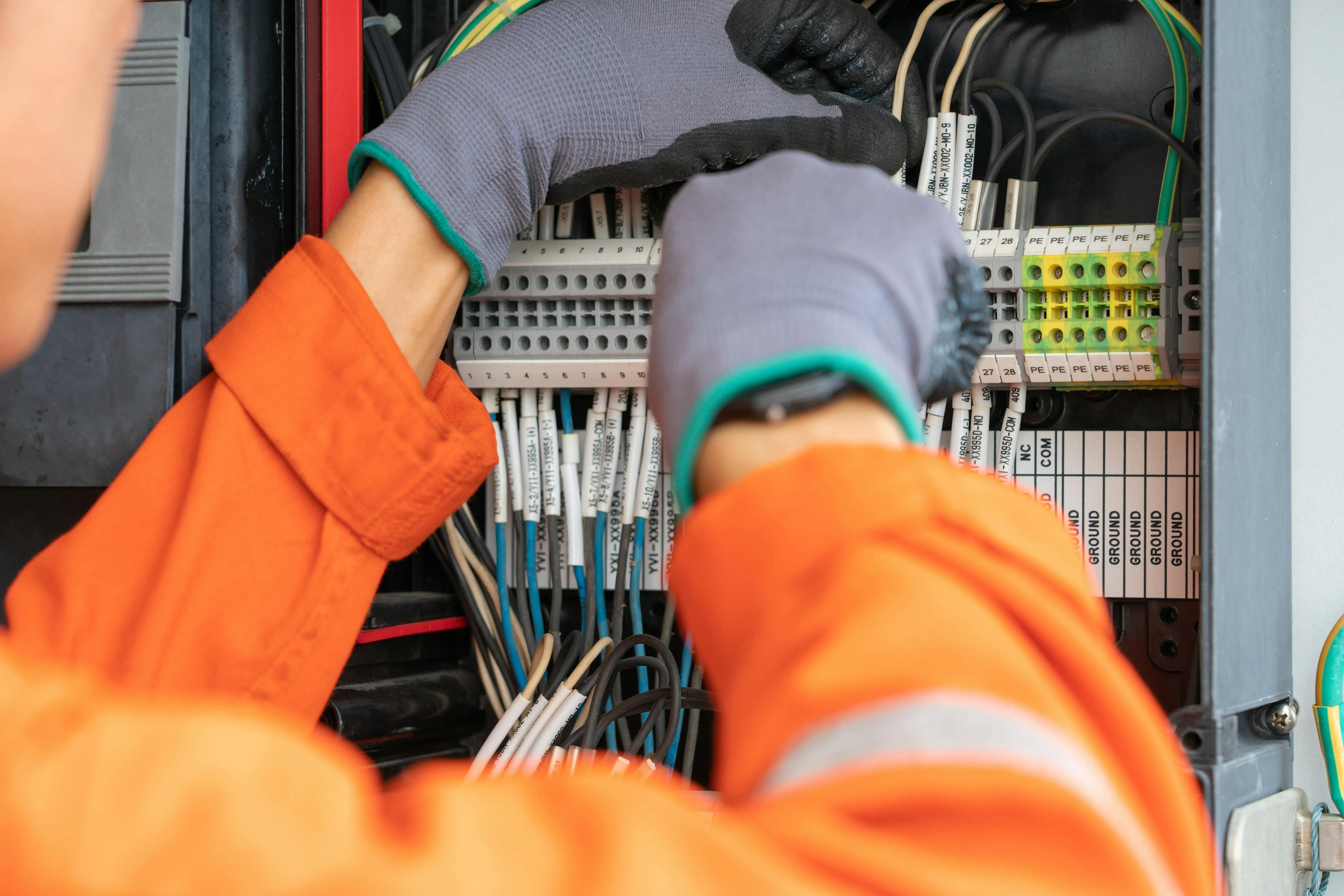
Common Electrical Hazards and How to Prevent Them
Your home's electrical system is an indispensable part of your daily life, but it can also pose hazards if not properly managed. This blog aims to inform homeow...
Couldn't find the right question?
You can send your question to our support team. We'll get back to you as soon as possible