Ask us anything
What should be the recommended procedure for replacing the UV bulbs in a Trane CleanEffects™ whole-house air cleaner?
Replacing the UV bulbs in a Trane CleanEffects™ whole-house air cleaner is a maintenance task that helps ensure the unit continues to effectively purify the air in your home. Here is a recommended procedure for replacing the UV bulbs:
Safety Precautions: Before you begin, make sure to follow these safety precautions:
* Turn Off Power: Ensure that the power to the Trane CleanEffects™ unit is turned off. This typically involves shutting off the electrical circuit that supplies power to the unit. Use caution and, if needed, consult a qualified technician if you are not familiar with electrical work.
* Wear Protective Gear: It's a good practice to wear protective gear such as gloves and safety glasses to prevent any contact with the UV bulbs and to protect your eyes and skin.
Steps to Replace UV Bulbs:
* Access the UV Bulbs:
Open the service panel or access door on the Trane CleanEffects™ unit. This may involve loosening screws or using a tool to remove the cover.
* Locate the UV Bulbs:
Inside the unit, you should see the UV bulbs. They are typically situated near the air handler and are mounted on brackets or holders.
* Remove the Old UV Bulbs:
Carefully remove the old UV bulbs from their sockets. Depending on the model, you may need to unplug them or twist them counterclockwise to release them.
* Dispose of Old Bulbs:
Safely dispose of the old UV bulbs according to local regulations. UV bulbs may contain small amounts of mercury and should not be thrown in the regular trash.
* Install the New UV Bulbs:
Take the new UV bulbs and carefully insert them into the sockets, making sure they are securely in place. Follow the manufacturer's instructions for any specific installation requirements.
* Replace the Service Panel:
Put the service panel or access door back in place and secure it with screws or other fasteners.
* Restore Power:
Turn the power back on to the Trane CleanEffects™ unit. Ensure that it is operating correctly.
* Test the Unit:
After replacing the UV bulbs, allow the unit to run for a short period to confirm that the bulbs are functioning as expected. Check for any error codes or indicators on the unit's control panel.
* Regular Maintenance:
UV bulbs may have a limited lifespan, and their effectiveness diminishes over time. Be sure to keep a maintenance schedule for replacing the UV bulbs according to the manufacturer's recommendations. Typically, UV bulbs are replaced every 1-2 years.
* Keep Records:
Maintain records of when you replaced the UV bulbs and any associated maintenance. This can help ensure the unit operates efficiently and effectively over time.
If you are unsure about any aspect of the replacement procedure, it is advisable to consult the Trane CleanEffects™ user manual or contact a qualified HVAC technician to perform the replacement. UV bulbs emit ultraviolet radiation, which can be harmful if not handled properly, so it's essential to exercise caution and follow safety guidelines during the replacement process.
Safety Precautions: Before you begin, make sure to follow these safety precautions:
* Turn Off Power: Ensure that the power to the Trane CleanEffects™ unit is turned off. This typically involves shutting off the electrical circuit that supplies power to the unit. Use caution and, if needed, consult a qualified technician if you are not familiar with electrical work.
* Wear Protective Gear: It's a good practice to wear protective gear such as gloves and safety glasses to prevent any contact with the UV bulbs and to protect your eyes and skin.
Steps to Replace UV Bulbs:
* Access the UV Bulbs:
Open the service panel or access door on the Trane CleanEffects™ unit. This may involve loosening screws or using a tool to remove the cover.
* Locate the UV Bulbs:
Inside the unit, you should see the UV bulbs. They are typically situated near the air handler and are mounted on brackets or holders.
* Remove the Old UV Bulbs:
Carefully remove the old UV bulbs from their sockets. Depending on the model, you may need to unplug them or twist them counterclockwise to release them.
* Dispose of Old Bulbs:
Safely dispose of the old UV bulbs according to local regulations. UV bulbs may contain small amounts of mercury and should not be thrown in the regular trash.
* Install the New UV Bulbs:
Take the new UV bulbs and carefully insert them into the sockets, making sure they are securely in place. Follow the manufacturer's instructions for any specific installation requirements.
* Replace the Service Panel:
Put the service panel or access door back in place and secure it with screws or other fasteners.
* Restore Power:
Turn the power back on to the Trane CleanEffects™ unit. Ensure that it is operating correctly.
* Test the Unit:
After replacing the UV bulbs, allow the unit to run for a short period to confirm that the bulbs are functioning as expected. Check for any error codes or indicators on the unit's control panel.
* Regular Maintenance:
UV bulbs may have a limited lifespan, and their effectiveness diminishes over time. Be sure to keep a maintenance schedule for replacing the UV bulbs according to the manufacturer's recommendations. Typically, UV bulbs are replaced every 1-2 years.
* Keep Records:
Maintain records of when you replaced the UV bulbs and any associated maintenance. This can help ensure the unit operates efficiently and effectively over time.
If you are unsure about any aspect of the replacement procedure, it is advisable to consult the Trane CleanEffects™ user manual or contact a qualified HVAC technician to perform the replacement. UV bulbs emit ultraviolet radiation, which can be harmful if not handled properly, so it's essential to exercise caution and follow safety guidelines during the replacement process.

Similar Questions
- I have a May Tag refrigerator whose freezer is leaking, and I would like it fixed; somebody come out tomorrow.
- Is the blue wire negative or positive?
- You just called me about an electrician coming here? You must have the wrong address or information because he's not here.
- How long does the dryer drum belt in the Hotpoint Series electric dryer model HTX24EASKWS typically last before it may need to be replaced due to wear?
- Does Viking Appliances offer a range hood insert for custom kitchen designs?
- My colleague said you called, and you got disconnected. I just want to confirm your appointment tomorrow for an electrician coming out. Are you good for tomorrow?
- What is an apartment with two floors called?
- Why is My Fridge Frozen at the Back?
- What maintenance should I perform regularly for the Coleman TG9S Gas Furnace?
- How many degrees should I set my thermostat back at night?
Similar Blog
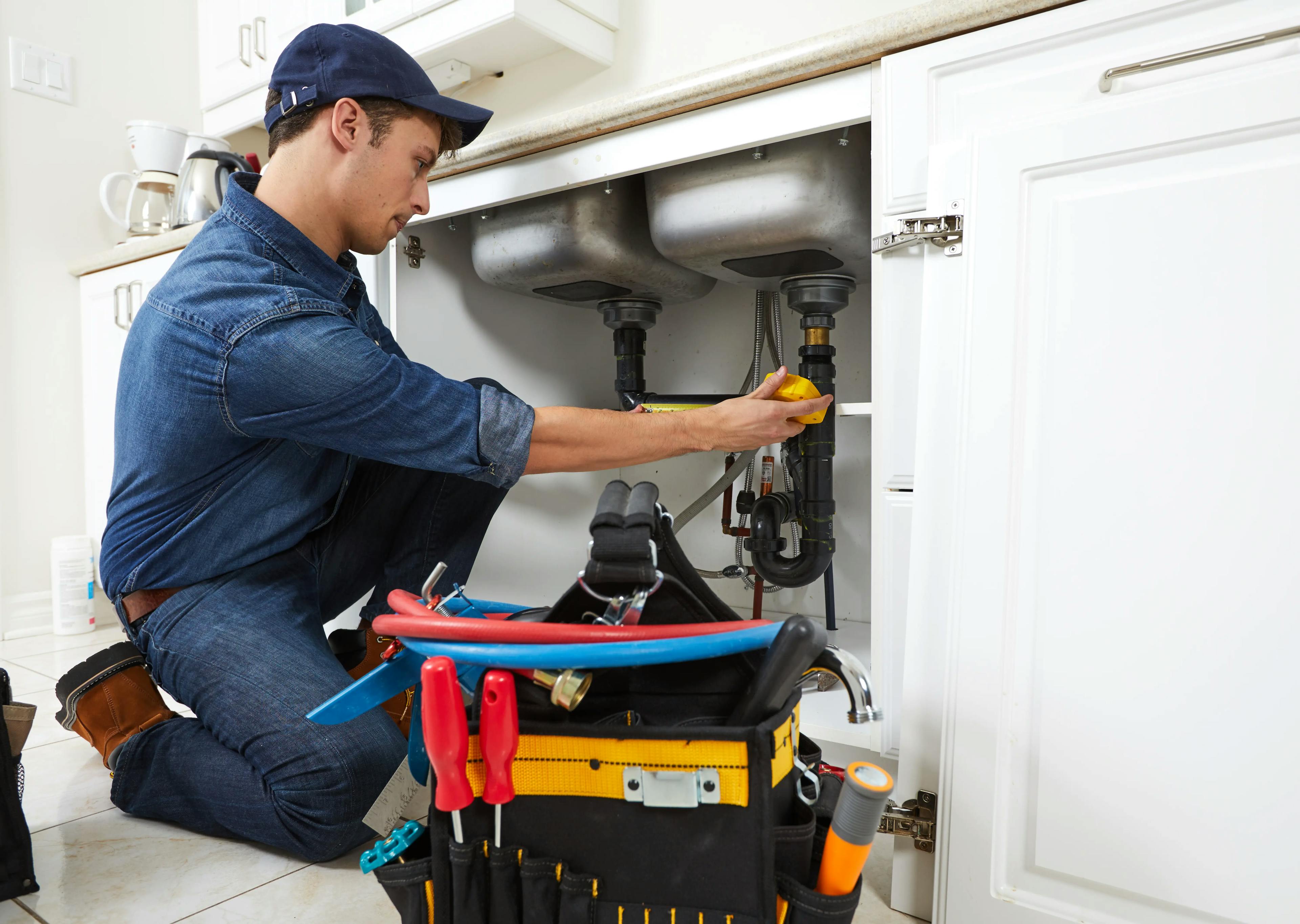
May 19
8644
Plumbing
Summer Plumbing Maintenance Checklist: Essential Tips for a Trouble-Free Season
Here is our summer plumbing maintenance checklist. Say goodbye to clogs, leaks, and pesky surprises and hello to a trouble-free season of relaxation. Sit back,...
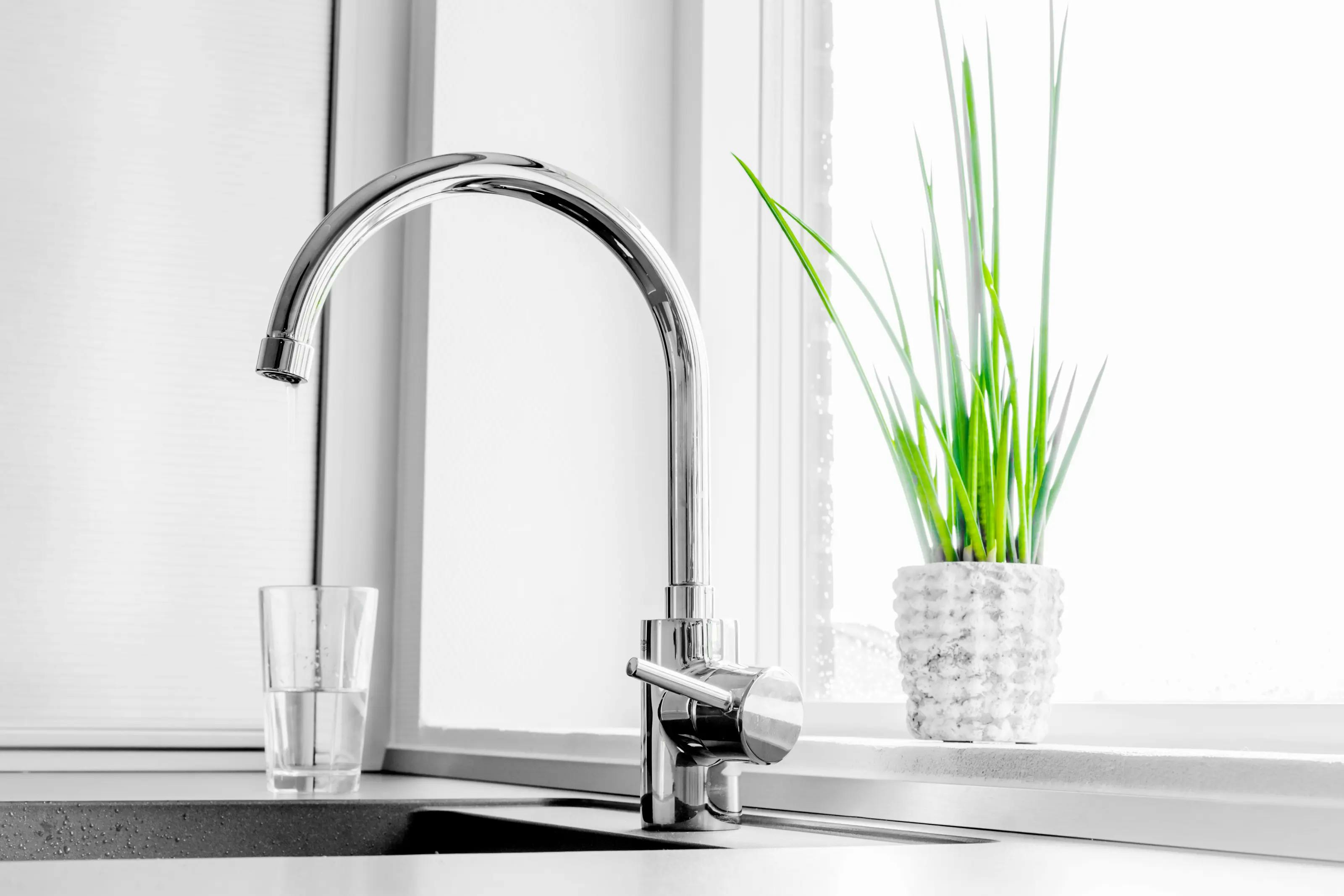
April 20
6805
Plumbing
Water-Efficient Faucets For Your Home In 2023
Water-efficient faucets are an excellent investment for homeowners who want to conserve water and save money on their utility bills. With the advancements in te...
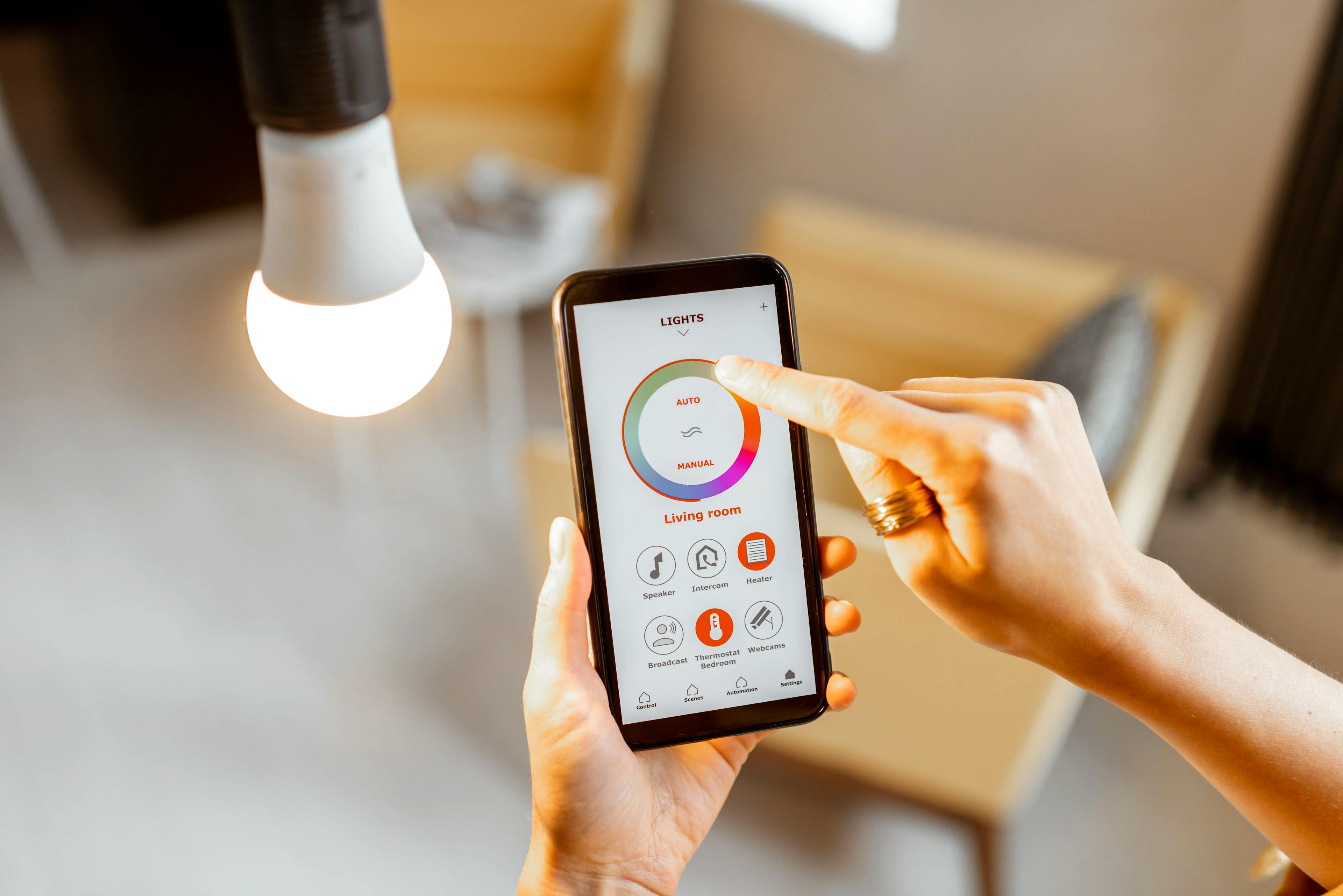
November 11
3078
Electrical
12 Things You Didn't Know Smart Lights Could Do
It's hard to believe that just a few decades ago, one way to control lights was by flipping a switch. It's vital to stay current with the latest technology to k...
Couldn't find the right question?
You can send your question to our support team. We'll get back to you as soon as possible