Ask us anything
Where is the reset button for Kenmore upright vacuum model 116-31140311?
The Kenmore upright vacuum model 116-31140311 doesn't have a traditional reset button like some other appliances. However, there are certain troubleshooting steps you can take if your vacuum isn't working properly. 1. Check for Blockages: If your vacuum is not picking up debris effectively, it might be due to a blockage in the hose, brush roll, or other components. Check these areas for any clogs or obstructions. Clearing blockages can often restore proper suction. 2. Inspect the Brush Roll: If the brush roll isn't spinning, it can affect the vacuum's performance on carpets. Check for any debris or tangled hair that might be preventing the brush roll from turning. You might need to remove the brush roll for a more thorough cleaning. 3. Empty the Dustbin: If the vacuum suddenly loses suction, it might be because the dustbin is full. Ensure the dustbin is emptied regularly to maintain optimal performance. 4. Check the Filters: Clogged or dirty filters can restrict airflow and impact the vacuum's suction. Refer to your vacuum's user manual to locate and clean or replace the filters. 5. Inspect the Power Cord: Make sure the power cord is properly plugged into the outlet and the vacuum. If the cord is damaged, it might affect the vacuum's power supply. Avoid using the vacuum if the cord is frayed or damaged. 6. Examine Attachments: If you're using attachments, make sure they're properly connected and not causing any restrictions in airflow. 7. Overheating Protection: Some vacuums have built-in thermal switches that shut off the motor if it overheats. Allow the vacuum to cool down if this happens, and check for any clogs or obstructions that might be causing the motor to overheat. 8. Maintenance and Servicing: Regular maintenance, such as cleaning the brush roll, emptying the dustbin, and checking for blockages, can prevent issues and maintain the vacuum's performance. If you're experiencing persistent problems, consider having your vacuum serviced by a professional technician. It's important to note that vacuum models may have variations in design and features. If you're unable to resolve the issue using the steps mentioned above, consulting your vacuum's user manual or reaching out to Kenmore customer support can provide more specific guidance based on your model.

Similar Questions
- How often should I have preventive maintenance performed on my home heating and cooling systems?
- can i replace viking oven door with a different door
- How to reset the replace filter on a Whirlpool refrigerator?
- What should be the best practices for maintaining the Noritz NR98 DVC's condensate drain to prevent clogs?
- How much does it cost to install a new Goodman air purification system, such as the GAPA air purifier?
- How to remove thermador mbbs 01 replacement
- How to adjust and optimize the settings of my Coleman AC21 20 SEER2 Variable Capacity Air Conditioner?
- How do I properly lubricate the blower motor bearings in my Goodman ARUF air handler?
- How to fix an ignition problem in the Lennox SLP99V Gas Furnace's variable-capacity system?
- How to replace the "piezoelectric igniter button" on a Whirlpool gas water heater?
Similar Blog
September 05
7128
Home
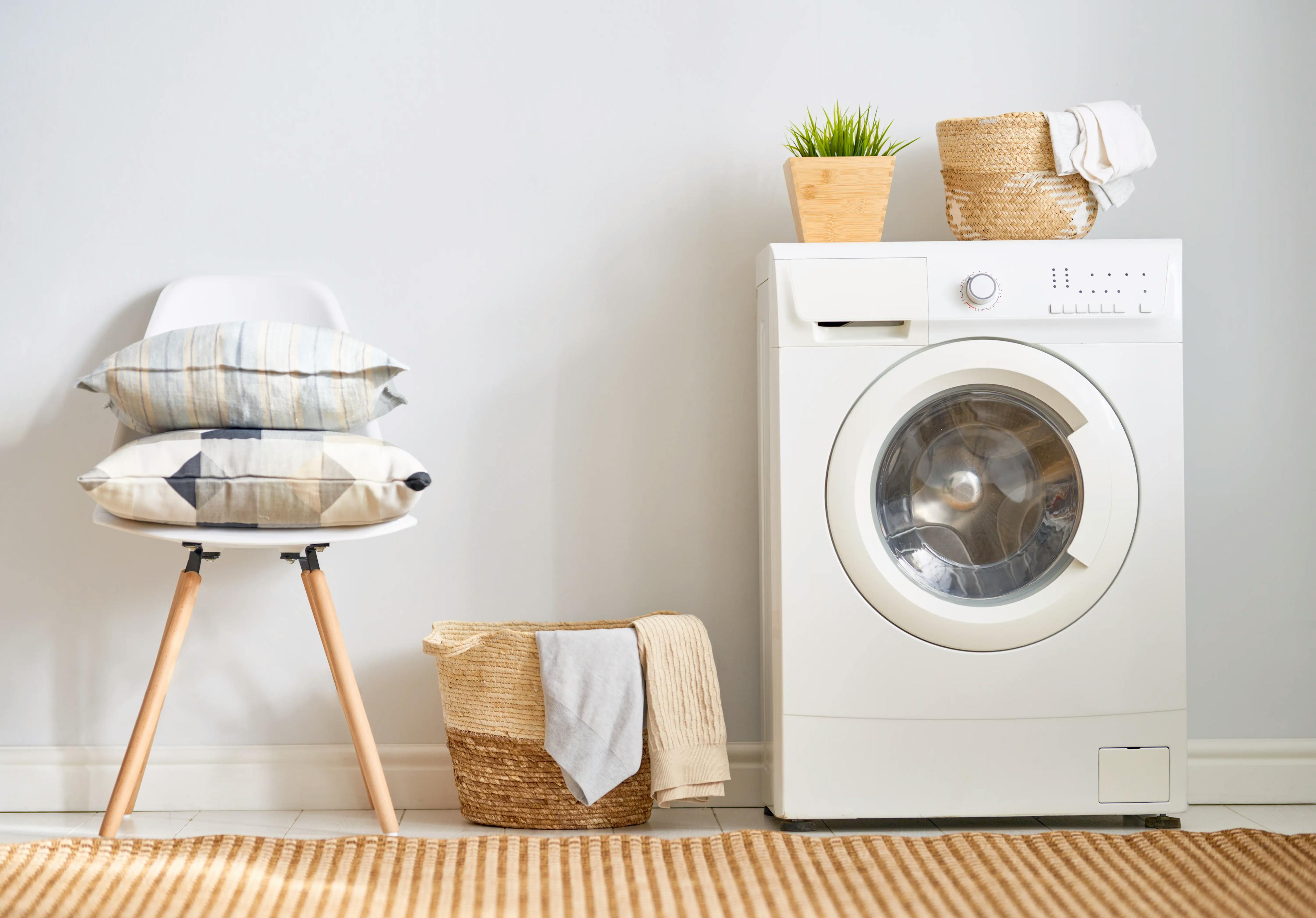
Creating an Organized and Functional Laundry Room
Washing and drying soiled garments isn't always enough to complete a load of laundry. Other laundry-related tasks include hand-washing delicates, separating dar...

October 01
943
Plumbing
What Is Water Leak Detection and Why Every Home Needs It
Water leak detection utilizes specialized tools to identify hidden leaks promptly, thereby preventing water damage, mold growth, and high utility bills. Every h...
January 25
9970
Home appliances
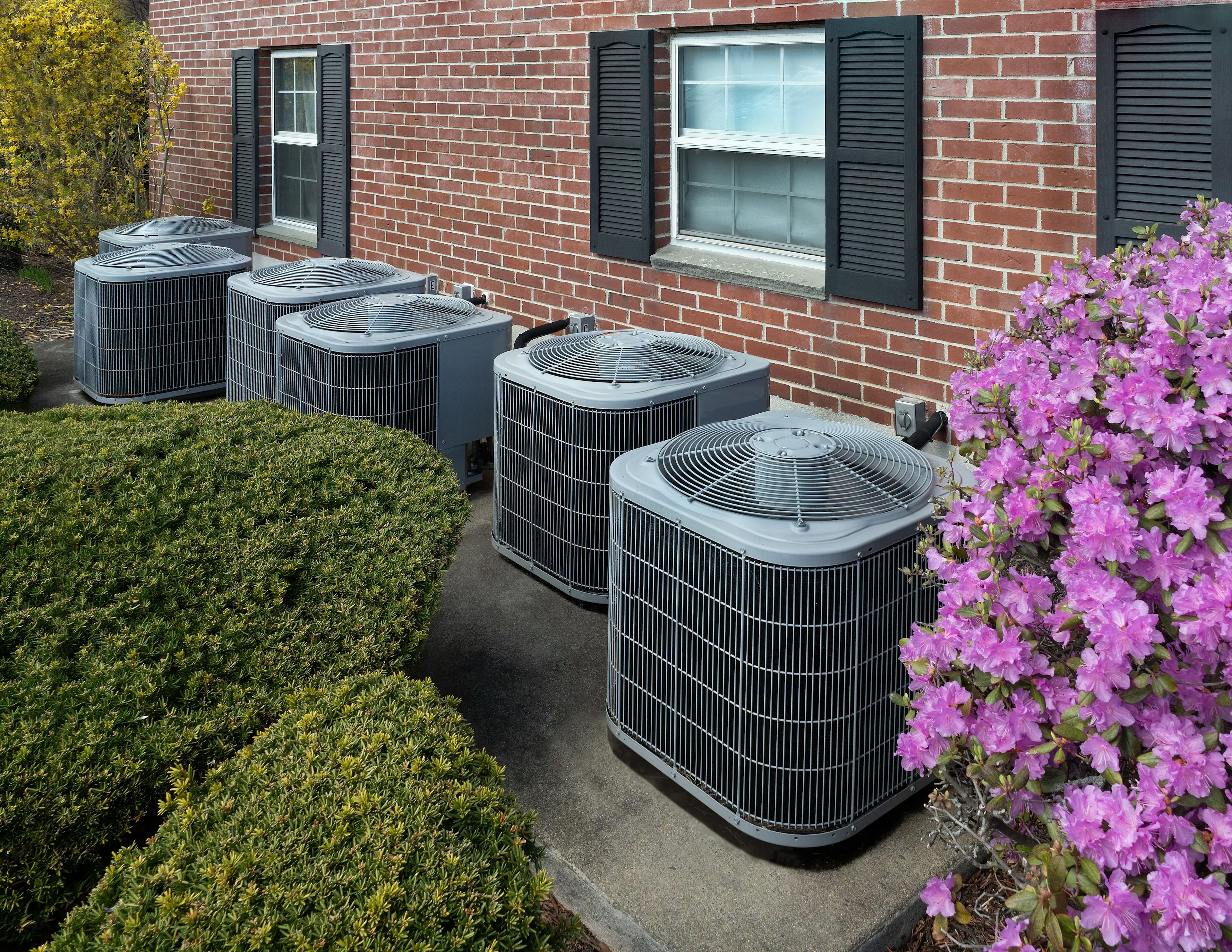
How Weather and Temperature Can Affect Your Outdoor Appliances
When we step out into our outdoor spaces, we often take for granted the reliability of our outdoor appliances. From outdoor ovens and refrigerators to dishwashe...
Couldn't find the right question?
You can send your question to our support team. We'll get back to you as soon as possible