Ask us anything
Where is the test button for ice maker AEQ7290960 Kenmore Elite bottom freezer?
The ice maker AEQ7290960 in a Kenmore Elite bottom freezer refrigerator typically does not have a dedicated "test" button like some other ice makers might. However, you can initiate a diagnostic test mode using a series of button presses on the control panel of your refrigerator. Keep in mind that the specific button names and placements can vary slightly between different refrigerator models, so consult your refrigerator's user manual for accurate instructions tailored to your appliance. Here's a general outline of how to enter the diagnostic mode for the ice maker: 1. Locate the Control Panel: On your Kenmore Elite refrigerator, find the control panel that allows you to adjust settings for both the refrigerator and freezer compartments. It's usually located on the front of the refrigerator's interior or on the freezer door. 2. Activate Diagnostic Mode: While your refrigerator is powered on, press and hold the "Ice Off" or "Lock" button on the control panel for several seconds. The button's name can vary, but it's often used to disable the ice maker. 3. Access Diagnostic Mode: After holding the button, the display may change or flash, indicating that you've entered diagnostic mode. Some models might require you to press additional buttons in a specific sequence. Refer to your user manual for the exact combination of buttons needed to access the diagnostic mode for your ice maker. 4. Navigate Diagnostic Tests: Once in diagnostic mode, you can navigate through various diagnostic tests using the control panel buttons. These tests might include cycling the ice maker, checking for ice bin sensor readings, and more. Again, the specific tests available can vary based on the model. 5. Exit Diagnostic Mode: To exit diagnostic mode, you can usually press and hold the same button you used to enter it. Alternatively, simply waiting for a certain period without pressing any buttons might also exit the diagnostic mode. If you're unsure about performing these steps or if you're experiencing issues with your ice maker, it's recommended to consult your refrigerator's user manual or contact Kenmore customer support. Additionally, if your refrigerator is still under warranty, it's a good idea to contact the manufacturer for assistance.

Similar Questions
- Does the York YXV 20 SEER2 Variable Capacity Air Conditioner have self-diagnostic features to assist with maintenance?
- How do you reset a Frigidaire front loader dryer?
- Should I follow a specific procedure for maintaining the steam oven in my Wolf dual fuel range?
- How many 16 oz is a gallon?
- Does Frigidaire dishwasher have a filter?
- Is it worth choosing the EL297V Gas Furnace for its high-efficiency and two-stage operation?
- Can I flush wipes down the toilet?
- I'm scheduled for your technician to come to my house between 12 to 3 PM. I'm wondering if there you guys could come at an earlier time. I have another appointment at 3 PM.
- do older maytag refrigerators have a reset button
- How to replace bullnose on thermador range
Similar Blog
April 01
9297
Home appliances
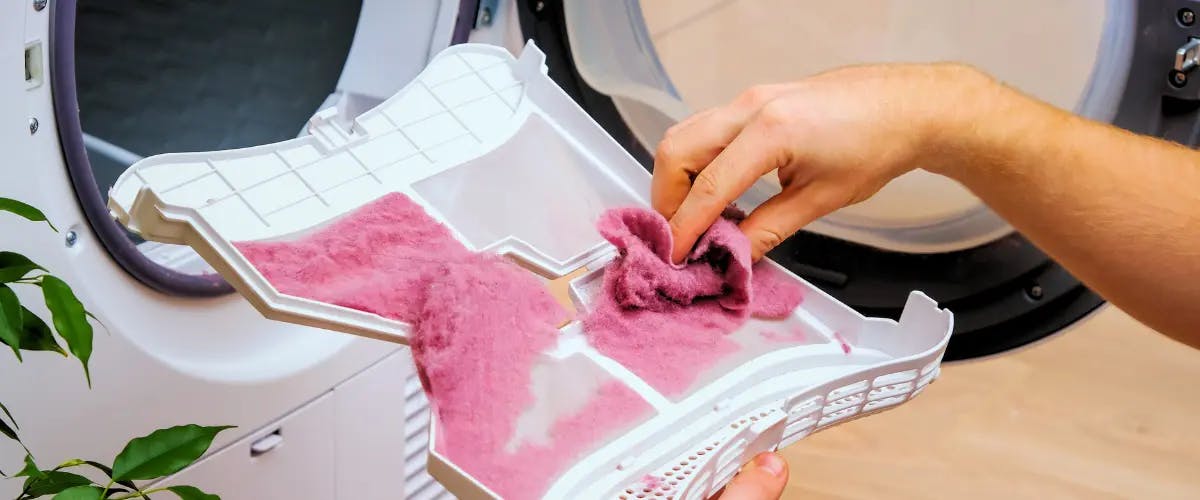
Reasons Why Your Dryer Isn't Drying Efficiently
Is your laundry taking longer than usual to dry? It might be a sign that your dryer isn't functioning at its best. In this blog, we'll delve into the common rea...
November 30
9082
Home appliances
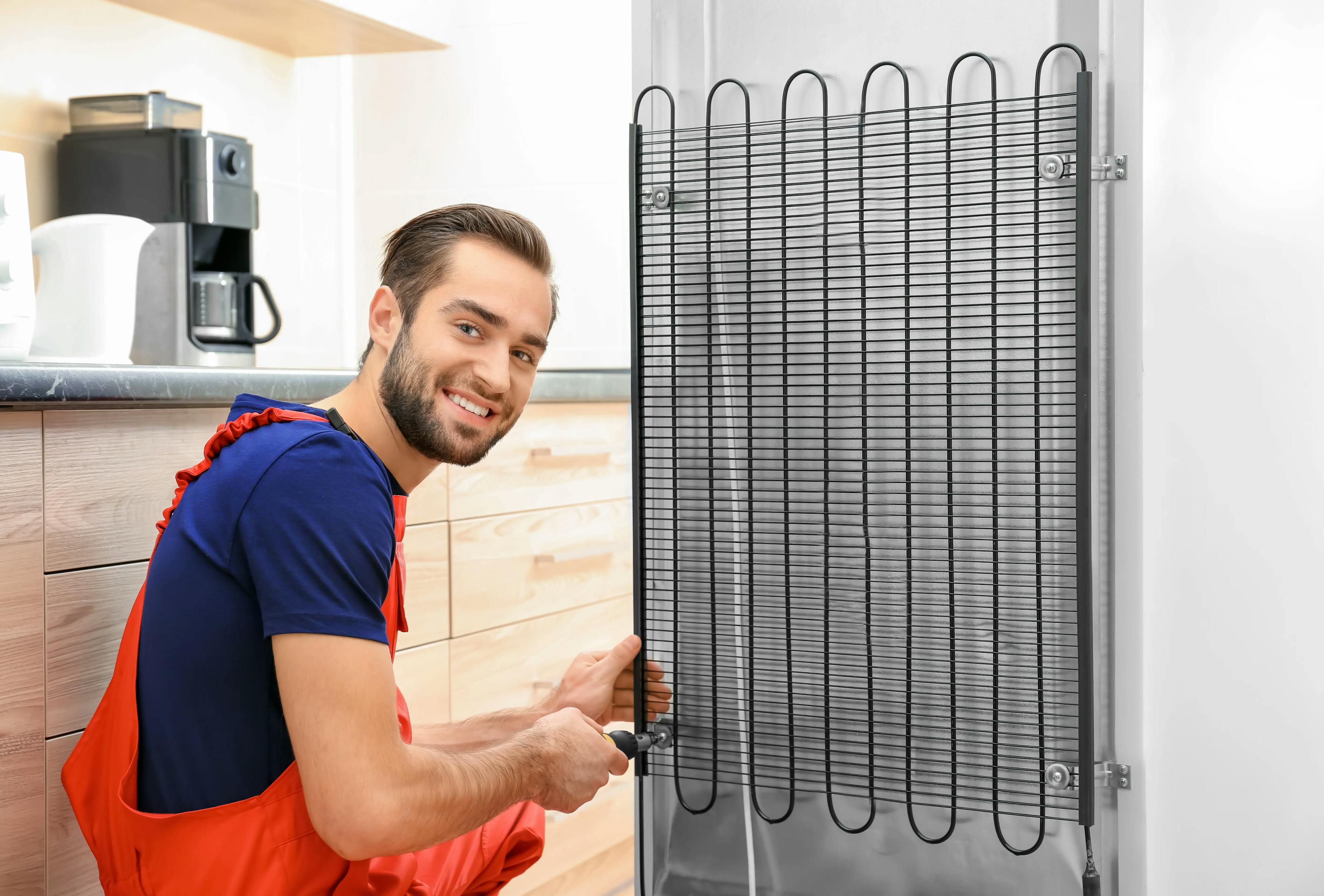
Tips and Tricks to Troubleshoot Common Refrigerator Problems
Are you tired of dealing with a fridge that's not keeping your food cold or making strange noises at odd hours? If you've ever found yourself in a sticky situat...
June 06
9686
Home appliances
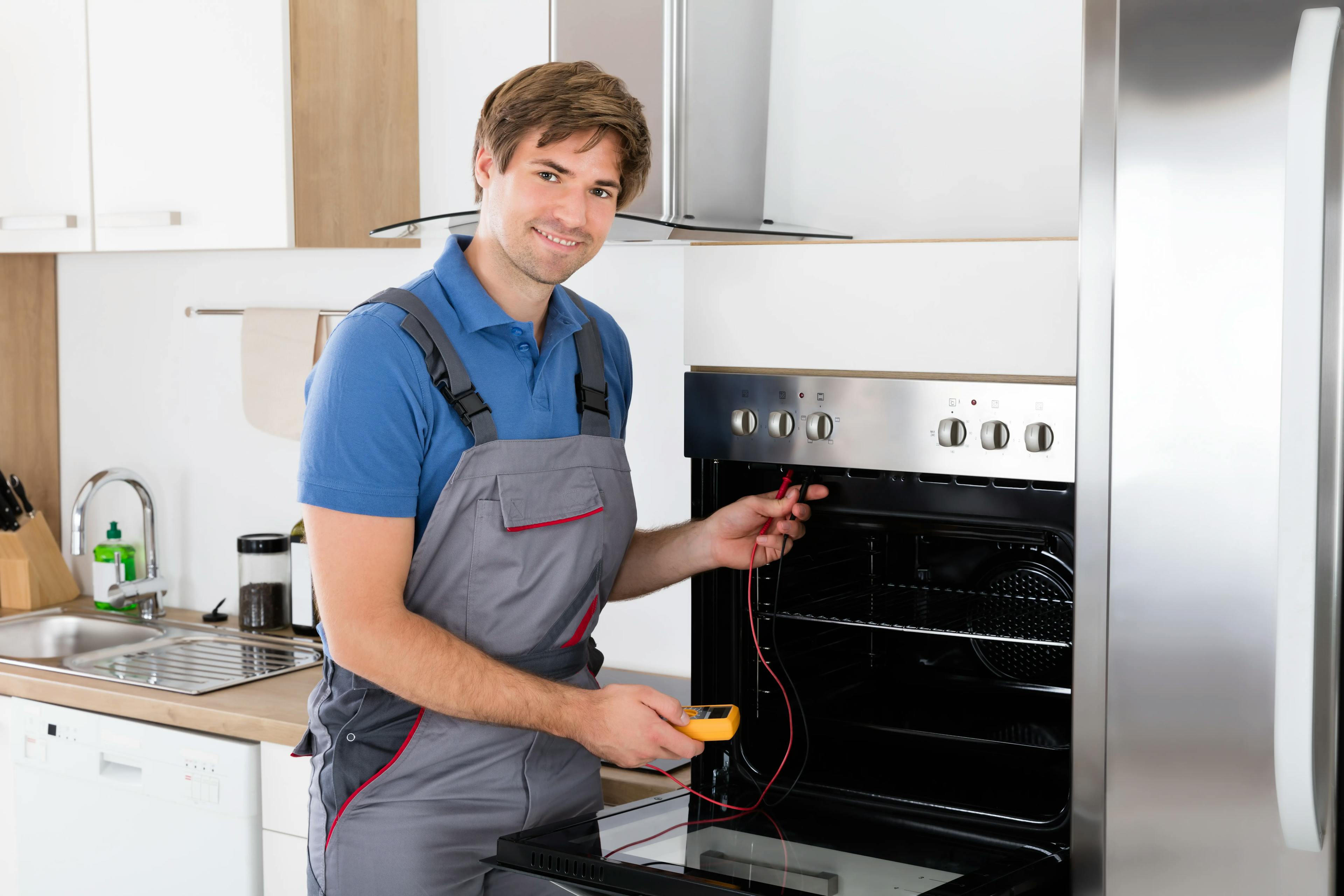
Oven Won't Turn On: Troubleshooting and Fixing the Issue
The anticipation of a delicious home-cooked meal quickly fades when you encounter a stubborn oven that simply refuses to turn on. Don't let this setback dampen ...
Couldn't find the right question?
You can send your question to our support team. We'll get back to you as soon as possible