Ask us anything
Miele T9802 dryer sensor, how to fix?
If you're facing issues with the sensor in your Miele T9802 dryer, which is likely related to its moisture sensing or temperature regulation functions, here's a general guide to troubleshooting and potentially fixing the problem: 1. Clean the Sensor Area: The sensor area inside the dryer drum might have lint or debris buildup. This can affect the sensor's accuracy. Gently clean the sensor area using a soft brush or cloth. 2. Check Sensor Contacts: Inspect the electrical contacts around the sensor area. Ensure they are clean and not damaged. If there's any corrosion or damage, it might affect the sensor's performance. Clean the contacts using a soft, dry cloth. 3. Load Size and Fabric Types: Make sure you're not overloading or underloading the dryer. A balanced load helps the sensor function accurately. Also, drying different fabric types together can impact the sensor's effectiveness. 4. Calibrate the Sensor: Some dryers allow you to calibrate the sensor for accurate moisture detection. Consult your dryer's user manual for instructions on how to calibrate the sensor. This might involve accessing the settings menu. 5. Ventilation and Airflow: Ensure that the dryer's exhaust vent is clear and not obstructed. Poor ventilation can affect temperature and moisture distribution, impacting sensor accuracy. 6. Prevent Over-Drying: If the dryer is consistently over-drying clothes, the sensor might not be working correctly. Adjust the dryness level settings to avoid excessive drying. 7. User Manual: Refer to your dryer's user manual for specific troubleshooting steps related to the sensor. The manual should provide guidance tailored to your model. 8. Power Cycle: Electrical glitches can sometimes affect sensor performance. Turn off the dryer, unplug it from the power source, wait for a few minutes, and then plug it back in. Turn on the dryer and check if the sensor starts working properly. 9. Professional Help: If you've tried the above steps and the sensor issue persists, it's best to contact Miele's customer support or a certified technician. Internal components like the sensor itself or control board might be malfunctioning, and these repairs require expertise. Always prioritize safety when working with appliances. If you're uncomfortable performing any of these steps or if the issue remains unresolved, seeking professional assistance is recommended to ensure proper and safe repair.

Similar Questions
- This is Natalie from the appliance repair company regarding installing a part for a dryer that's supposed to it today. I just want to know that the technician who did the initial service couldn't do it today. Can we reschedule for tomorrow at any time?
- How to replace the coffee machine grinder burrs in my Wolf coffee machine?
- How often do I need to clean the oven's self-cleaning cycle in the Café Series electric range model CES750P2MS1 for optimal performance and safety?
- This is Sarah from 5 Star Appliance. I receive a request from you that you have a problem with your fridge.
- Is it okay to connect a Rinnai RUCS Model Series tankless water heater, like the RUCS65iN, to a recirculation pump for instant hot water at the faucets?
- How to fix a Tandem 7300 front loader dryer belt step by step on Amana?
- How to replace the mounting bracket on an Amana dryer door?
- How do you adjust a natural gas regulator?
- Is it advisable to maintain the Coleman ERV Series Energy Recovery Ventilator?
- Can I install a Takagi T-H3S-OS-N water heater in a small utility room with limited ventilation?
Similar Blog
August 08
951
Plumbing
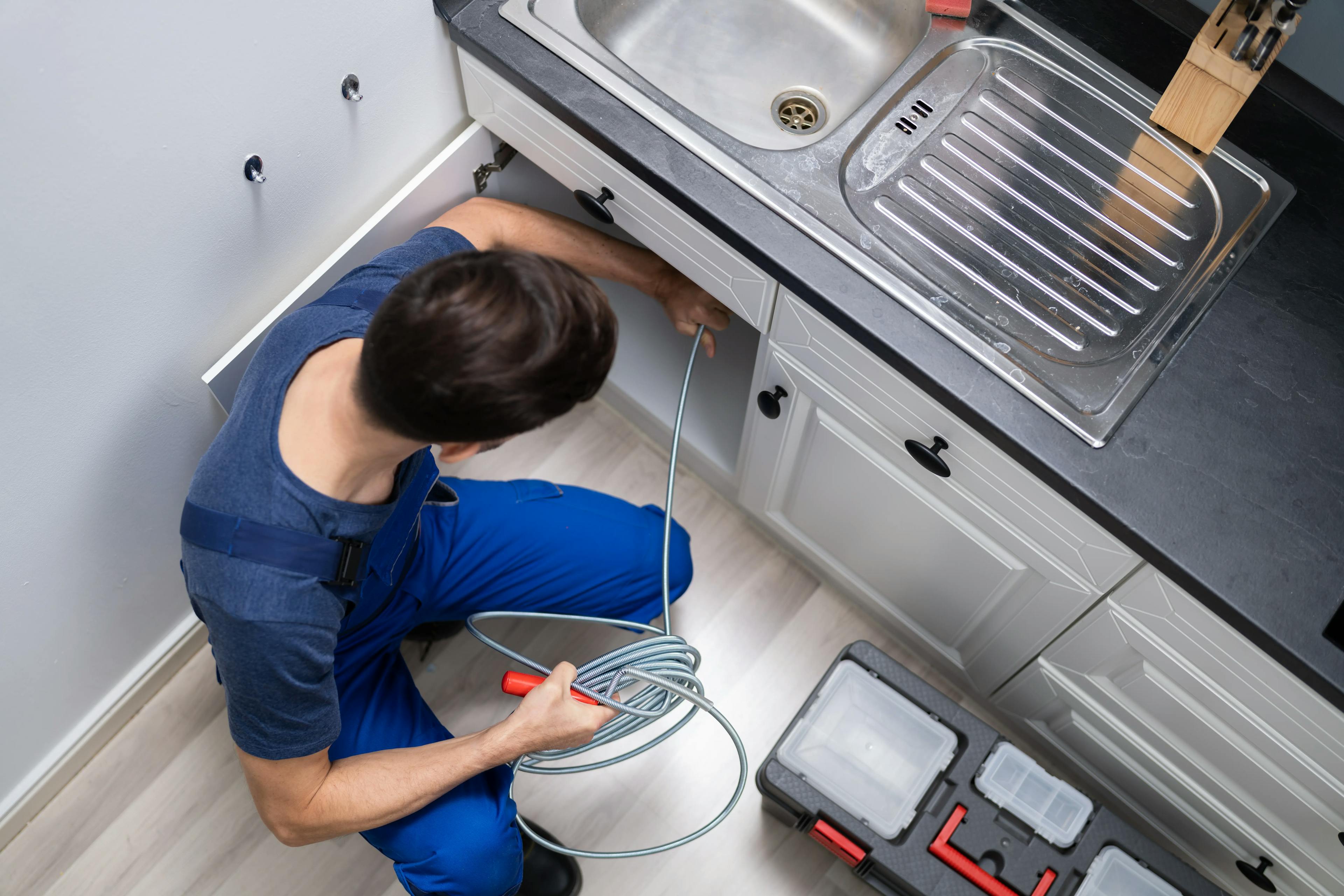
How to Unclog a Kitchen Sink: Tips and Tricks for a Smooth Flow
A clogged kitchen sink can disrupt your everyday routine and throw a wrench in meal prep and cleanup. Dealing with a kitchen sink clogged scenario is not only f...
December 19
1027
Electrical
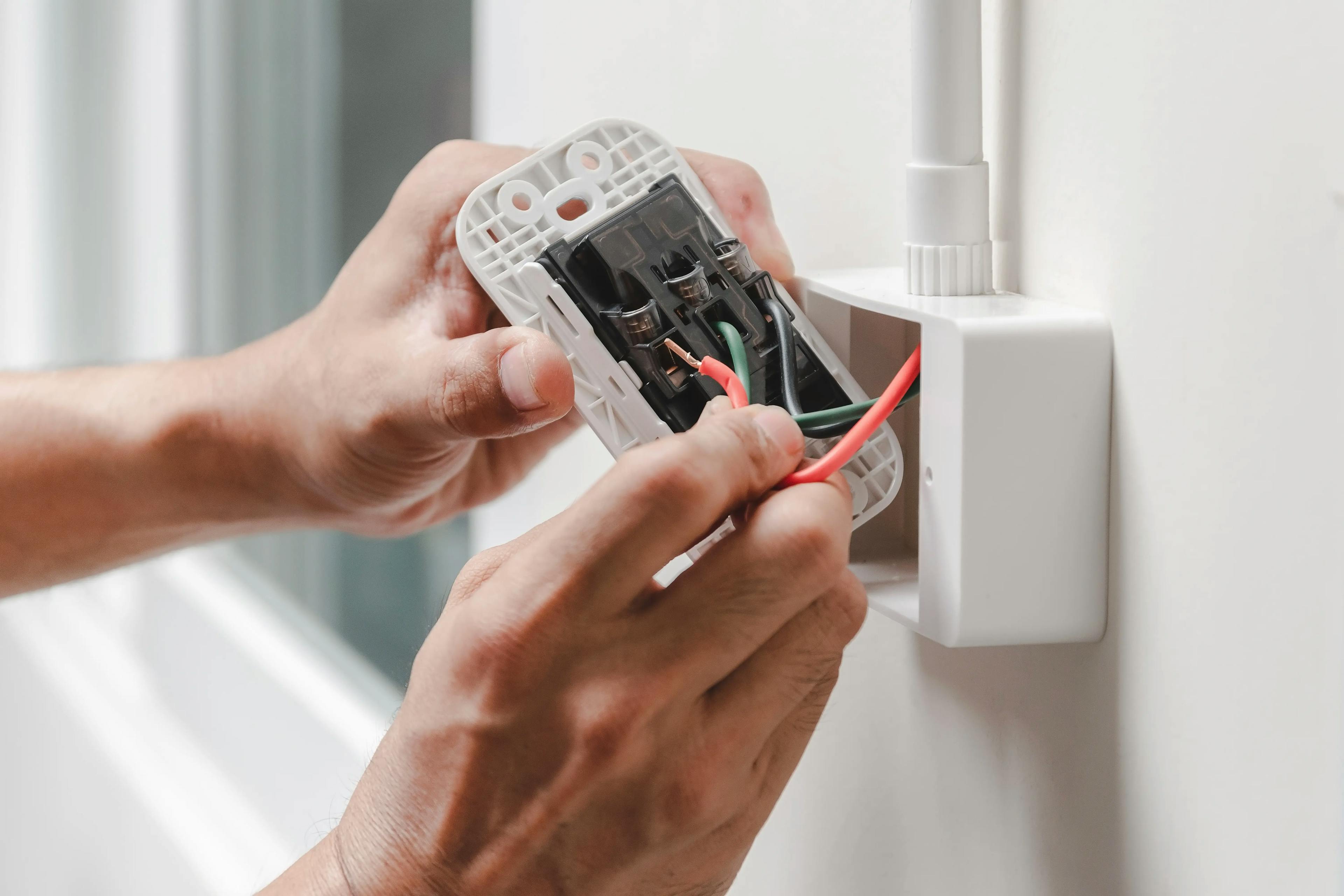
What are the proper ways to handle an electrical emergency?
Being able to act quickly and securely during an electrical emergency is crucial. We'll go over how to handle an electrical emergency in this talk, including cr...

August 26
831
Home appliances
How to Extend the Life of Your Refrigerator: Expert Tips for Longevity
Your refrigerator is one of the hardest-working appliances in your home, keeping your food fresh and your beverages cool. Yet, many people overlook the simple s...
Couldn't find the right question?
You can send your question to our support team. We'll get back to you as soon as possible